It is Friday 6 p.m., and the only release artifact is a folder named final2. You pulled the last 3 bug fixes and 1 small feature for the week, skipped the full CI run because you thought the changes were too tiny to break anything, and you’re 12 minutes away from closing your laptop to meet friends for dinner. Rushing the deploy now might get you out the door faster, but a single missed edge case could pull you back to your desk before you even finish your first drink. This checklist is built to cut through end-of-week urgency, eliminate avoidable breaks, and make sure you can step away from your work without checking your phone every 10 minutes all weekend.
Tests you run before you type the tag
You do not need to run your full 45-minute E2E test suite for a 2-line bug fix, but you do need to run targeted tests that eliminate the most common failure points for small releases. These four tests are intentionally scoped to only cover changes that would ruin your weekend:

- Core user flow smoke test: Run the action that 80% of your active users complete at least once per session. If it’s a task manager, that means adding, editing, marking complete, and deleting a task. If it’s a blog CMS, that means publishing a draft and viewing the live post. This catches any accidental breakage to your app’s core utility, even if your changes were in an unrelated file.
- Modified code path test: Every line you edited or added in this release should be triggered at least once in a manual or unit test run. If you fixed a password reset link expiration, submit a password reset request and confirm the link works and the expiration timestamp is correct. If you added a dark mode toggle to the mobile header, load the app on a mobile viewport and toggle the mode on and off to confirm it works and doesn’t break other UI elements.
- Static asset check: Open the final2 build folder locally, serve it with a local web server, and check the browser console for 404 errors for images, CSS, or JS files. It’s common for a build script to miss a newly added asset if you forgot to add it to your build config, and this 30-second check eliminates that risk.
- Edge case quick check: Test one non-standard input for the feature you modified. If you edited a contact form, submit it with an invalid email address to confirm error messages work as expected. If you modified a file upload feature, try uploading a file that’s 1MB over your stated size limit to confirm the error handling triggers correctly.
Example measurement: these four tests take 7 minutes total for a typical 2-3 file small release, far less time than fixing a production break after you leave for the weekend.
Changelog line a future evening can parse
Your changelog isn’t just for public users—it’s for you, 3 months from now, when you’re debugging a newly reported bug at 2 a.m. and need to trace when a specific change went live. A bad changelog line like “fixed stuff” will force you to dig through 20 commit messages and 30 changed files to find what you’re looking for. A good changelog line follows a strict, consistent structure that you can scan in 2 seconds, no context required.
The required structure for Friday release changelog lines is: [Semantic version tag] | [ISO date] | [1-line plain-language summary of changes] | [List of modified core files] | [Explicit user impact, including any breaking changes]. For example, a valid line would be: `v1.2.7 | 2024-05-17 | Fixed password reset email link expiration from 1 hour to 24 hours, added dark mode toggle to mobile header | src/components/Header.js, src/services/auth/passwordReset.js | No breaking changes; all users get access to the mobile dark mode toggle, password reset links now work for 24 hours after generation`.
If you have even a tiny breaking change, call it out explicitly, even if it only impacts 2 users. For example, add “Breaking change: Renamed the /api/todo/filter query param from ?date to ?created_at for consistency” so you don’t have to guess why a user’s custom integration broke 6 months from now.
Rollback note that names the previous tag
The fastest fix for any production break on a Friday is a rollback, not a hotfix. You don’t want to be writing new code while you’re out at dinner, or scrolling through 10 git tags to find the last working version if you get an alert at 10 p.m. Your rollback note should live directly below your changelog line in your deployment notes, and include three pieces of information:
- The exact semantic version tag of the last fully tested, working production release you can deploy immediately. No vague references to “the last version from Wednesday” — write the full tag.
- A 1-line confirmation that rolling back will not cause data loss or inconsistency. For example: “No database migrations ran in this release, so rolling back to v1.2.6 will not impact user data or cause schema conflicts.”
- If you did run a reversible migration, add the exact command to reverse it if needed. For example: “Added nullable `dark_mode_preference` column to users table; rollback command is `npx prisma migrate resolve –rolled-back 202405171800_add_dark_mode_pref`.”
Example measurement: writing this note takes 90 seconds, and cuts your time to resolve a production break from 45 minutes to 2 minutes if something goes wrong.
Demo URL you write while the build is still up
Once you shut down your local dev environment and close your laptop, you don’t want to have to spin everything back up if a collaborator or user asks you what changed in the release over the weekend. A demo URL is a publicly accessible staging link that runs the exact build from your final2 folder, with no uncommitted changes.
Along with the URL, add two pieces of context so you don’t have to re-explain the changes repeatedly:
- A 1-line instruction for what to look at in the demo, so anyone who clicks the link knows what changed. For example: “https://staging.todoapp.com/demo-v127 | Toggle the mobile menu to see the dark mode switch, or submit a password reset request to see the updated expiration notice in the email.”
- A screenshot of the modified feature or fixed bug, saved to your deployment notes, so you can share it immediately without loading the demo.
You don’t need a fancy staging setup for this: you can upload the final2 folder to a free static host like Vercel or Netlify for 10 minutes of work, or use a temporary preview link from your Git provider. Make sure the demo URL stays live for at least 7 days, so you can reference it if you get a bug report next week that ties back to this release.
No-ship rule if the checklist has a blank
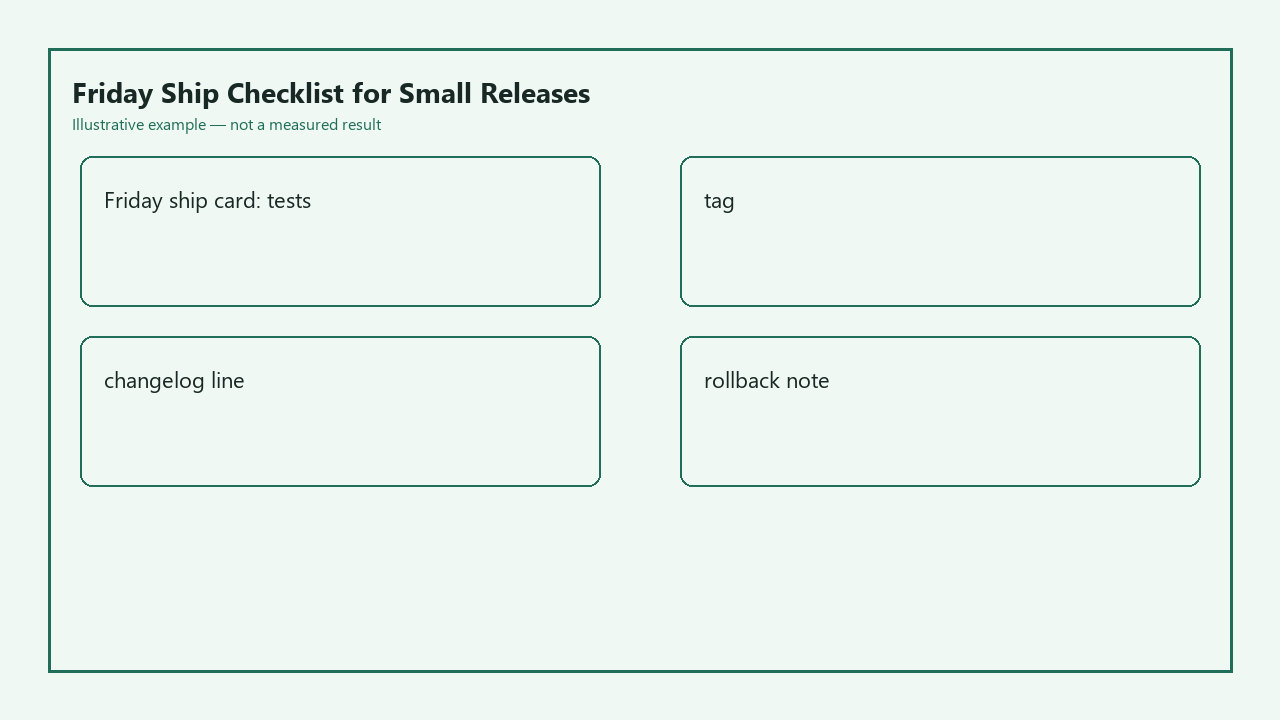
This is the only non-negotiable rule for Friday releases: if any field on the below Friday ship card is blank, you do not ship. Close the deployment window, push all your changes to a WIP branch, and pick it back up first thing Monday morning. There is no exception for “tiny” changes: even a 1-line CSS change can break your entire UI if you accidentally deleted a closing bracket, and the cost of missing that on a Friday is far higher than waiting 48 hours to ship.
| Friday Ship Card Field | Required Entry (no blanks allowed) | Your entry for this release |
|---|---|---|
| Pre-tag test pass confirmation | All 4 core tests (smoke, modified path, assets, edge case) completed with zero failures | |
| Version tag | Semantic version tag matching your repo’s tagging pattern (e.g. vX.Y.Z for patches) | |
| Parsable changelog line | Structured line with date, changes, modified files, user impact | |
| Rollback reference | Exact previous working tag + rollback safety confirmation | |
| Demo URL | Accessible staging link + 1-line demo instruction |
Example measurement: waiting 2 days to ship a trivial bug fix is 100x less stressful than spending 3 hours of your Friday night troubleshooting a broken production app that 100 active users are trying to access. You will never regret waiting to ship a low-stakes change, but you will almost certainly regret rushing a deploy to make it out the door 10 minutes faster.
Before you run your next deployment command this Friday, copy the ship card table above into your project’s dedicated deployment notes document, fill every field out completely, and only proceed with tagging your release if every line has a valid, verifiable entry.