
Three half-fixes are in your head, and the editor has twelve unsaved buffers. You can’t remember if the API route for user profiles was supposed to accept POST requests or only PATCH, and you’re 20 minutes deep into debugging a CSS layout bug that you didn’t write down before you switched to answering a quick support question. 10 minutes from now, you’ll forget the root cause of that bug entirely, and waste another hour retracing your steps. That’s the cost of storing project work in your short-term memory instead of a structured, external issue list.
Build Next Stack editors

Four columns that replace a mental stack
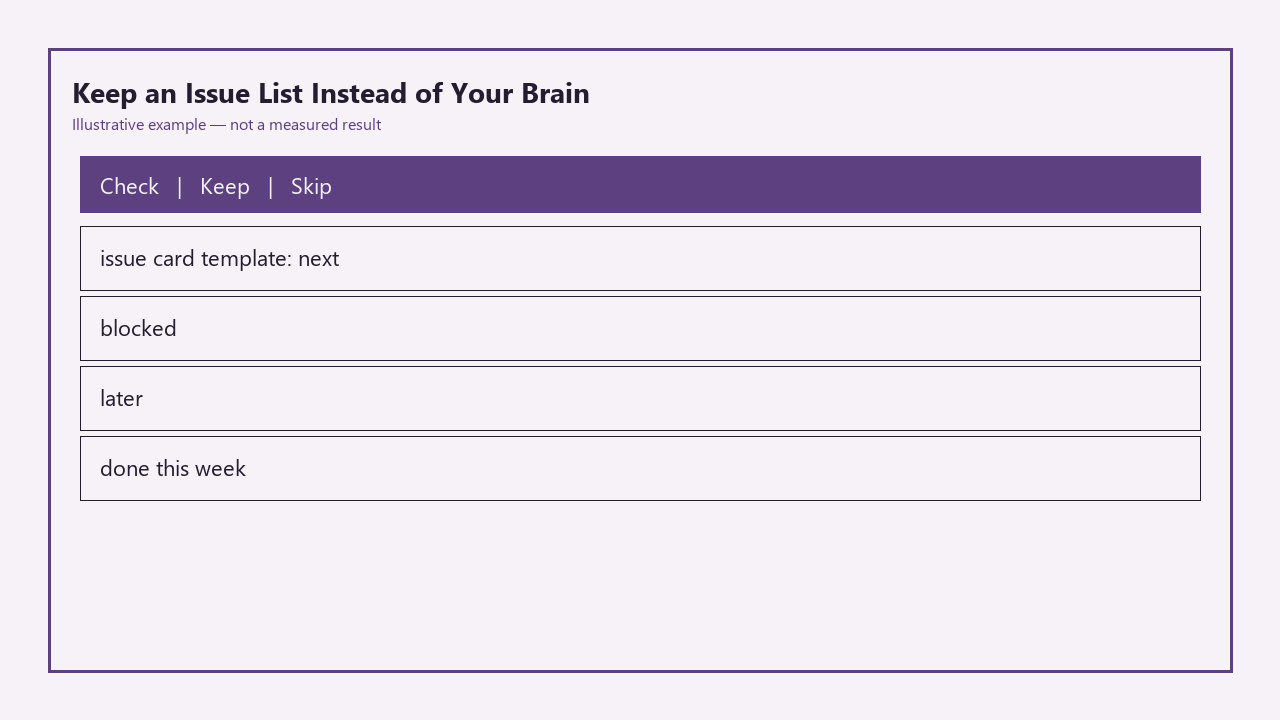
This simple four-column template eliminates the need to hold task details, priorities, or dependencies in your working memory. You can host it in a plain markdown file in your repo, a free Trello board, a Notion page, or even a physical whiteboard, as long as you stick to the standardized card requirements for each column to avoid ambiguity. The full template is below:
| Column Name | Issue Card Template Requirements | Example Entry | Action Trigger |
|---|---|---|---|
| Next | Specific file name, associated test ID, 1-sentence task description, no open prerequisites | `src/lib/validation.js: fix test #22 that rejects valid .co.uk email addresses` | Start work on the top entry immediately after finishing your current task |
| Blocked | Task description, root cause of block, specific actionable ask to resolve the block, date you first flagged the block | `User dashboard layout: waiting for UX team to approve grid spacing, DM Jess to share final Figma spec by EOD Thursday, flagged 2024-05-20` | Check for updates once per day, follow up if no response after 48 hours |
| Later | Task description, 1-sentence note on why it’s deferred, earliest date you can prioritize it | `Add dark mode toggle to site nav: defer until after v1 launch, earliest priority date 2024-06-15` | Review all entries during your weekly Friday sweep |
| Done This Week | Task description, link to pull request or commit that resolved it, date completed | `Fixed email validation bug, PR #47 merged 2024-05-22` | Clear all entries from this column at the end of each week to track progress |
The template is intentionally rigid to remove decision fatigue: you never have to guess what information to add to a card, or what to work on next, because the structure dictates both.
Issue that names a file and a failing test
Every entry in the Next column must follow the specific naming rule to avoid vague, unactionable tasks that waste your time. You will never add a card that says “fix auth bug” or “improve checkout flow” to this column. Instead, every card names the exact file you need to edit, the exact test that is failing (or expected behavior if you are building a new feature), and a clear 1-sentence description of what success looks like. This ensures you can jump straight into work the second you open your editor, with no need to retrace your steps or remember context from a previous work session.
Example measurement: Each Next column task should take no more than 60 minutes to complete, so you can check off at least 2-3 tasks per work session to build consistent momentum. If a task is too large to fit this requirement (like “rebuild entire user auth system”), split it into smaller, granular tasks that each apply to a single file and test, so you can make incremental progress without feeling overwhelmed.
Blocked column that must include a next ask
The most common mistake people make with blocked tasks is being too vague. A card that says “waiting on design” gives you no context about who you need to contact, what you need from them, or when you first asked for the resource. The mandatory next ask rule for this column fixes that: every blocked card must include a specific, actionable step you can take to unblock the work, even if you are waiting on a third party.
If you are working solo, a blocked task might include waiting for a third-party API access approval, waiting for a domain to propagate, or waiting for a dependency update to fix a critical bug. In those cases, the next ask is directed at yourself: “Check GoDaddy domain status once per day until propagation is complete, flagged 2024-05-20”. If you are working with a team, the ask is directed at the relevant stakeholder, with a clear deadline for response. Illustrative example: 24 hour minimum wait time before following up on a blocked ask, to avoid interrupting other people’s workflow with unnecessary pings.
Weekly move of later items that aged out
The Later column is not a dumping ground for every random feature idea you think of while showering. It is a curated list of tasks that align with your project roadmap, but are not urgent enough to prioritize for your current sprint. To prevent this column from becoming a graveyard of abandoned, irrelevant ideas, you will do a 10-minute sweep of all Later entries every Friday before you wrap up work for the week.
Any item that has been in the Later column for more than 3 weeks gets one of three actions: moved to Next if you are ready to prioritize it, moved to Blocked if it has open prerequisites, or deleted entirely if it is no longer aligned with your project goals. Example measurement: 3 week maximum age for Later column items, no exceptions. If you have not prioritized a task in 3 weeks, it is almost certainly not important enough to take up space in your list, and you can delete it without guilt.
Close rule when the README already covers it
Not every issue you write needs to be completed. You will regularly write issues for problems that you later realize have already been solved, or that are no longer necessary for your project roadmap. The close rule prevents you from wasting time on unnecessary work: if the solution to the issue is already explicitly written in your project’s README, in a public docs page, or in a comment in the relevant file, you can close the issue immediately, as long as you add a comment to the issue linking directly to that existing documentation.
For example, if you write an issue to add a password reset flow, and then you realize you already added a section to the user docs that walks users through resetting their password via their account settings, you can close the issue immediately, link to that docs section, and move on. This rule also applies to duplicate issues, or issues that are no longer aligned with your current project priorities. The only requirement is that you add the link to the closed issue, so if you or a future contributor comes across the issue later, you can see exactly why it was closed and where to find the relevant context.
Before you open your next code file, take 5 minutes to dump every half-finished task, bug, and feature idea from your head into the four-column issue list, making sure every Next column entry names a specific file and relevant test, and every Blocked entry has a clear next ask.