
It is Wednesday, and the original feature is still blocked by a theme you did not need. You set out three days ago to build a user profile edit form for your side project, but got distracted tweaking a custom dark mode toggle for a premium theme you bought on impulse, and now you’re 12 hours deep into fixing border radius inconsistencies that no user would ever notice. You haven’t written a single line of code for the profile form, and your self-imposed Sunday launch date is slipping fast. This pattern is not a failure of focus—it’s a failure to set clear guardrails for the curiosity that leads to unplanned, low-value rabbit holes. The system below will help you catch these distractions early, before they eat up half your work week.
Timer you start when the fifth docs tab opens
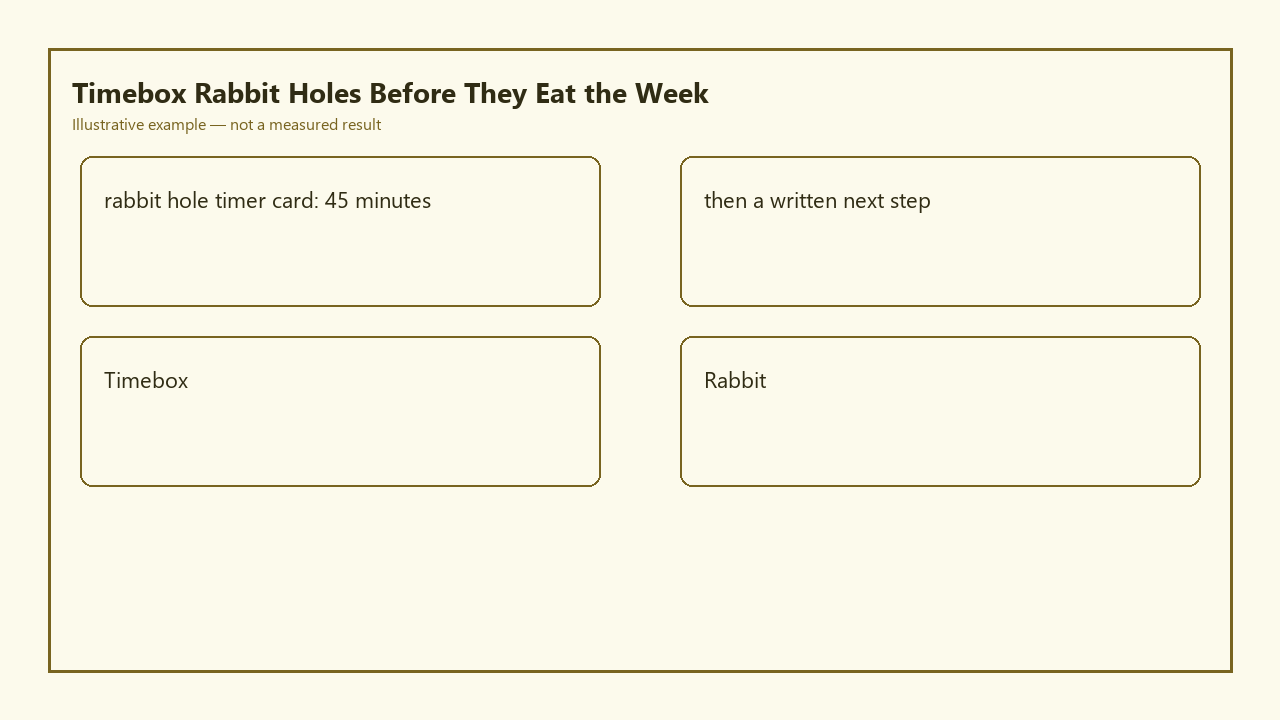
Rabbit holes almost never start with a conscious decision to abandon your planned work. They creep in: you look up form validation rules for your profile feature, click a link to a CSS trick for form styling, see a recommendation for a premium theme with built-in form components, open three tabs of theme previews, and suddenly you’re five tabs deep into work that has nothing to do with getting the profile form live. That fifth unrelated tab is your trigger to start the official rabbit hole timer card, which you can copy directly into your project notes:

Rabbit Hole Timer Card (Official Deliverable)
| Trigger Event | Timer Length | Mandatory End Action | Only Allowed Hard Stop Exception |
|---|---|---|---|
| You open 5+ non-task-related docs/tabs while working on your planned feature | Example measurement: 45 consecutive, unpaused minutes (no stops for social media, snacks, or unrelated chores) | Write one specific, actionable next step for the rabbit hole work, even if you plan to abandon it | You are 2 minutes or less from a testable, working output that directly unblocks your original planned feature |
The timer is non-negotiable. You do not pause it to answer a text, grab a drink, or scroll through social media. If you have to step away from your desk for any reason before the timer goes off, you immediately complete the mandatory end action before leaving, and abandon the rabbit hole work until you have explicit time scheduled for it. This timer length is calibrated to give you enough space to explore a curiosity and test if it’s actually useful, without letting it take over your entire day.
Written next step even if the hole is unfinished
When the timer goes off, you cannot just close your tabs and jump back to your planned work without writing the required next step. Vague notes like “keep working on dark mode” are not allowed. The step must be specific enough that you could pick up the work again 3 weeks from now without wasting 20 minutes reorienting yourself. For example, instead of “fix dark mode”, write “Test if the –input-placeholder custom property inherits correctly from the root dark mode class on Windows Chrome, then check contrast ratio against WCAG 2.1 standards”.
Writing this step serves two key purposes. First, it eliminates the fear of losing progress if you abandon the rabbit hole, so you don’t feel pressured to keep working on it just because you already put time in. Second, it forces you to assess if the work is even worth continuing: if you can’t write a clear, 10-word next step that ties to a tangible user benefit, the rabbit hole is almost certainly a distraction you can abandon entirely. You can save the note alongside your open tab group, or drop it in a dedicated notes file for unfinished work.
Park list for shiny tools that are not this week’s
Most of the tools, themes, and feature ideas you find in rabbit holes are not useless—they’re just not useful for the work you committed to doing this week. To avoid the fear of losing a great idea, keep a single plain text file called PARKLIST.md in the root of every project repo. Every time you find a tool, theme, or feature idea that you want to explore later, add it to the list with a 1-sentence note explaining what it does and why you cared about it. For example: “Premium e-commerce theme: built-in accessible checkout forms, could cut 10 hours of work for the checkout feature planned for v2”.
You are not allowed to work on any item on the park list during your current week’s scheduled work time. At the start of every new week, you can review the park list and select a maximum of one item to add to that week’s planned goals, if it aligns with your broader roadmap. You will likely find that 70% of the items you add to the park list seem irrelevant or unnecessary a week later, so you never have to waste time working on them at all.
Ask-for-help line after two timed boxes fail
If you run two full 45-minute timer cycles on the same rabbit hole and still have not produced a testable, working output that unblocks your original planned task, you are required to ask for help before spending any more time on the work. Your ask-for-help line must be specific, so you don’t waste other people’s time or get generic answers. For example, instead of “I’m stuck on my theme”, write “I’m trying to get my premium theme’s form input styles to override my global reset CSS, I’ve tested 3 selector specificity fixes and none are working, here’s a 12-line snippet of my CSS, does anyone know what I’m missing?”.
You can post this line in a developer community Discord, a relevant subreddit, or send it to a peer who works with the same tools as you. 9 times out of 10, you will get a working answer in 5 minutes or less, saving you hours of frustrated troubleshooting. If no one can give you a working solution within 24 hours, you must abandon the rabbit hole entirely and return to your original planned work, as the time investment no longer makes sense for the small potential benefit.
Week review of which holes actually shipped value
At the end of every work week, set aside time for this review. Illustrative example: 10 minutes is long enough to go through all your open tabs and work notes from the week without eating into your weekend. For each rabbit hole you explored, note if it led to shipped value: meaning the work is live, accessible to users, and solves a real, documented user problem. You will almost always find that 90% of the rabbit holes you explored contributed zero shipped value, and the only work that moved your project forward was the planned tasks you set at the start of the week.
This review trains your brain to spot the early signs of a rabbit hole before you get deep into it. For example, if you notice that every time you open a theme marketplace tab you lose 3 hours of work to low-value tweaks, you can start closing those tabs immediately instead of letting curiosity take over. You can also adjust the timer length for future weeks if you find 45 minutes is too long or too short for your work style.
Before you start your next work session, open a new note, paste the rabbit hole timer card into it, and jot down your single top planned task for the session so you can immediately spot when you’re veering into unrelated tabs.
Written by the Build Next Stack editors.