
Four courses are in progress, and none of them has a repo with your name on the README. You have 12 open tutorial tabs across two browser windows, a half-written to-do list for a React app you started two weeks ago, and the faint guilt that you haven’t built a single thing you can put in a portfolio this quarter. You keep chasing the “perfect” tutorial that will finally make all the concepts click, but every time you hit a tricky section, you jump to a different instructor who explains it “better” without ever working through the hard part yourself.
Build Next Stack editors

One tutorial you finish before opening another
The single most effective rule to break tutorial hopping is a non-negotiable one-in, one-out policy for learning content. Before you open any new tutorial, you must fill out a one-tutorial lock card, a physical or digital document that defines exactly what completion looks like, so you don’t get to declare a tutorial “useless” and abandon it at the first sign of friction. The lock card eliminates vague goals like “learn JavaScript” and replaces them with concrete, verifiable milestones you can hit before moving on. The full lock card template is below:
| Field | Required entry | Example entry |
|---|---|---|
| Tutorial title | Exact name of the course/series you’re starting | Free Code Camp Node.js API Full Course (2024) |
| Completion criteria | Must include 1 custom modification not taught in the tutorial, plus 1 shareable output | Finish all 12 sections, add custom rate-limiting for unauthenticated users, deploy to Render, share public repo link to your personal portfolio |
| Estimated time to complete | Total hours you’ll dedicate, no more than 20 hours total | 14 hours, 2 hours per day 7 days per week |
| Completion expiry date | Hard deadline you cannot extend without abandoning all other saved tutorials | April 17, 2024 |
| Penalty for early abandonment | Non-trivial consequence you will enforce on yourself if you quit before hitting completion criteria | Delete all saved backend tutorial links, no new learning content for 3 full days |
Project file that must exist by day three
A tutorial stays in passive consumption mode until you start writing code that is not an exact copy of what the instructor types. By the third day of working on your selected tutorial, you must have a dedicated project file or public repo that exists independently of the instructor’s sample code. This repo cannot just be a clone of their sample repo: it needs to have your name on the README, your own comments explaining what each section of code does, and the first draft of your custom modification already started. Example measurement: 30% of your project files have original comments written in your own words, and your custom feature (like the rate-limiting in the example lock card) is at least 40% implemented by day three, even if it’s broken. This rule ensures you’re not just passively watching content, but building tangible skills that stick.
Tab budget of two docs plus the editor
Open tabs are the biggest gateway to tutorial hopping. You are only allowed a maximum of two official documentation tabs (e.g. MDN, Node.js docs) plus your code editor and the single tutorial tab you’re actively working through, at any time during learning sessions. Illustrative example: The checklist below uses a 90-minute audit cadence you can adjust to fit your focus span. To enforce this, use the close-the-tabs checklist below every time you sit down to work, and every 90 minutes during your session:
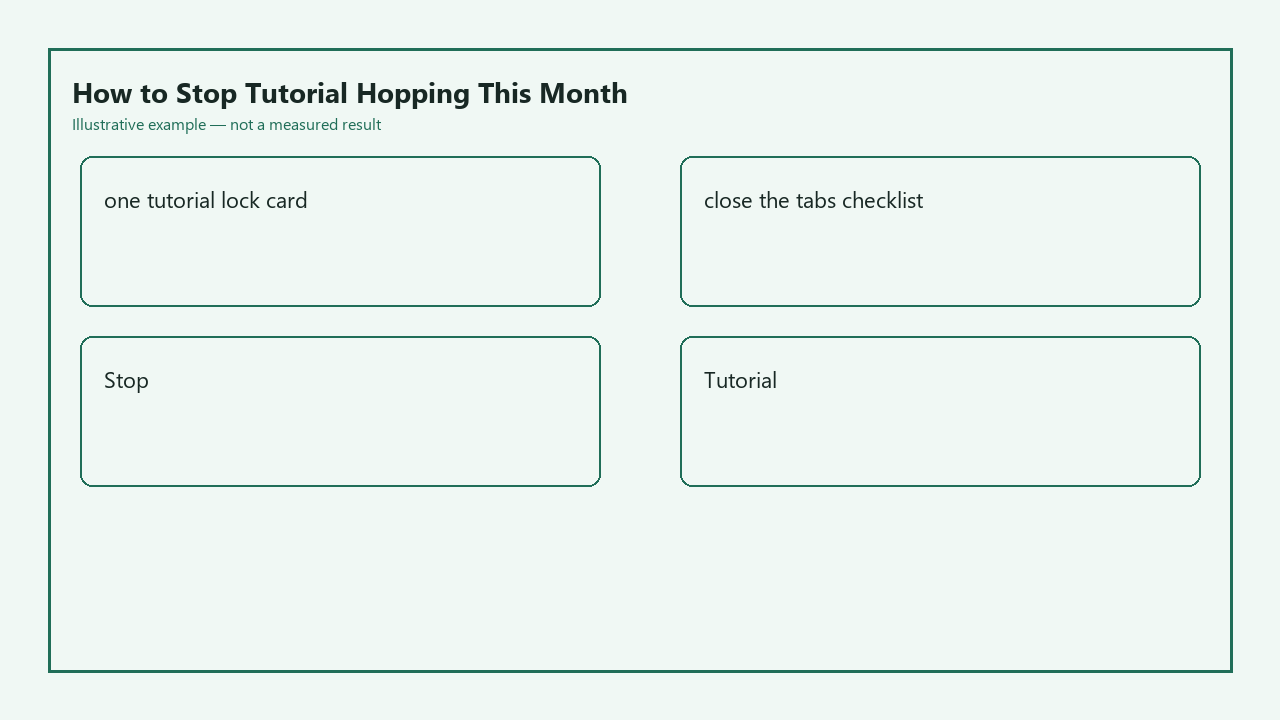
- Close any tutorial tabs for courses you haven’t started yet, save their links to a single archived, password-protected bookmark folder that takes at least 10 seconds to access.
- Close any Stack Overflow, forum, or blog tabs that are not directly related to the specific bug you’re actively fixing in your current tutorial project.
- Close all social media, messaging, email, and video platform tabs unrelated to your active tutorial.
- If you find a “better” tutorial for the same tech stack, you may only save it to your archived folder if you are 70% or more complete with your current tutorial per your lock card criteria; otherwise, delete the link entirely.
- If you need to look up a concept that is not covered in your active tutorial, you may open one temporary reference tab, which you must close immediately after you find the answer you need.
Hop trigger you write down so it is visible
Tutorial hopping almost never happens randomly. It’s triggered by specific, predictable friction points that make learning feel hard: hitting a bug you can’t fix immediately, an instructor explaining a concept too fast, or seeing a social media post of someone building a “cooler” project than the one you’re working on. Before you start your selected tutorial, write down all of your personal hop triggers on a sticky note stuck to your monitor, or a pinned note on your desktop, so you can see it every time you feel the urge to open a new tutorial tab. Illustrative example: Your written hop triggers might include “hits the authentication section”, “instructor uses a library I haven’t heard of”, “project throws an error I can’t parse in 5 minutes”. When you hit one of these triggers, pause for 2 full minutes, write the specific issue down in your project notes, and try one additional troubleshooting step before you even consider looking for another learning resource. Most of the time, the urge to hop will pass once you work through the friction point.
Month-end artifact that is not a bookmark folder
The point of completing tutorials is to build skills you can demonstrate, not to collect a folder full of half-finished courses. At the end of the 30-day period, you must have a tangible, shareable artifact that is not a bookmark folder or a list of courses you started. Acceptable artifacts include a deployed version of your tutorial project with your custom modifications, a public repo with a detailed README written in your own words, a 10-minute walkthrough video of you explaining your project and the features you added, or a blog post breaking down what you learned while working through the tutorial. Example measurement: Your month-end artifact is a deployed task management app with custom dark mode and priority sorting features, a public repo with 15 original code comments explaining your implementation choices, and a 250-word README that outlines how to run the project locally and what you learned during development. This artifact is proof you didn’t just watch content, you built something real, and it can be added to your portfolio to show to future collaborators.
Right now, pick the tutorial you’ve already made the most progress on, fill out your one-tutorial lock card to define its completion criteria, run through the close-the-tabs checklist to eliminate all unrelated open tabs, and write your top two most common hop triggers on a visible note before you start your next learning session.