
Someone asked what you are building, and the answer turned into a stack list. That long, jargon-heavy list made their eyes glaze over before you got to the third tool, and they walked away with zero idea of what your project actually does for real people. Most solo devs overexplain the tech instead of the value when pitching small side projects, even to other builders who could give feedback, share relevant resources, or collaborate on features you’re stuck on. This framework turns that messy stack dump into a tight, natural spoken pitch anyone can follow, no slides, prepared notes, or public speaking experience required.
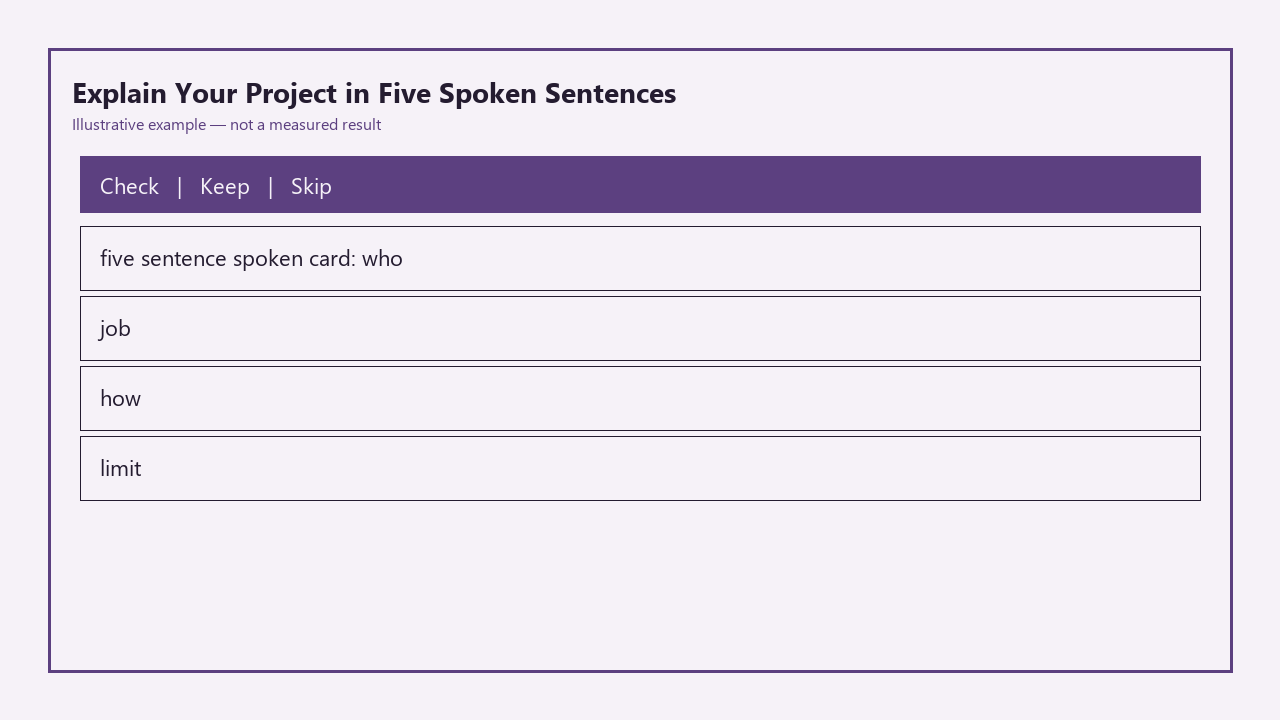
Below is your ready-to-use five-sentence spoken pitch card, which you can save to your phone or print out to fill in for any project you’re building:

| Sentence Number | Core Slot | Spoken Prompt | Spoken Time Limit |
|---|---|---|---|
| 1 | Who | “It’s for [specific user group] who [specific pain point]” | 7 seconds |
| 2 | Job | “It lets them [specific core action] without [common annoying alternative]” | 8 seconds |
| 3 | How | “It works by [1-sentence high level process, no stack names]” | 7 seconds |
| 4 | Limit | “Right now it only works for [specific narrow use case]” | 6 seconds |
| 5 | Next | “Next I’m adding [specific small upcoming feature] this week” | 7 seconds |
*All time limits are example measurements for casual spoken conversation, not strict requirements. You can add 2-3 seconds per sentence if you need to clarify a specific detail for your audience.*
This pitch is designed to sound natural, not scripted, so you can adjust the wording on the fly to match who you’re talking to without missing any key context.
Who uses it in one breath
This framework is built for solo software learners building side projects, hackathon participants, new open source maintainers, and anyone who regularly gets asked about their work in casual settings. You don’t need formal sales training or a history of public speaking to use it effectively, because it’s structured to eliminate the most common points of fumble when you’re put on the spot to talk about your work. It works for every type of small software project, from full-stack web apps and CLI tools to browser extensions and small utility libraries, no matter what tech stack you’re using to build it. It also works for both technical and non-technical audiences, as long as you adjust the level of jargon in each sentence to match what your listener already knows.
Job the user hires the project to do
When someone asks “what are you working on?”, you hire this framework to avoid two extremely common missteps that lead to unproductive conversations. The first misstep is dumping a list of tech tools no one asked for, which tells the listener nothing about who benefits from your project or why it matters. The second misstep is rambling for 5 minutes about every feature you want to build someday, which overwhelms the listener and makes it hard for them to zero in on what your project does right now. This framework cuts through that noise to give the listener exactly enough context to decide if they want to ask more questions, offer relevant feedback, share resources that could help you build faster, or even offer to collaborate on parts of the project they’re interested in. It also eliminates the awkward 3-second pause where you fumble to figure out what part of your project to lead with, since you already have pre-planned sentence slots to fill in ahead of time.
How it works without naming every library
You start by filling in each of the five sentence slots for your current project, using plain, conversational language that sounds like how you’d talk to a friend, not how you’d write a technical documentation page. You avoid naming specific tools or libraries unless you’re 100% sure the listener is familiar with them and cares about your technical choices; for most casual conversations, you can leave all stack details out entirely. You practice saying each sentence out loud once a day for 3 days, so it feels natural instead of scripted, and you can adjust the wording on the fly if the listener gives you cues that they care more about a specific part of your project. If you get a follow-up question after you deliver the five-sentence pitch, you can dive as deep as you want into any section, whether that’s talking about technical tradeoffs, user research you’ve done, or long-term feature plans, without derailing the core first impression. You don’t need to memorize every word exactly; you just need to remember the five core slots, so you can rearrange or tweak the pitch for a mentor, a non-technical family member, or a hackathon judge in 2 seconds flat.
Limit you admit so the story stays honest
This framework is intentionally built for short, off-the-cuff conversations, so it has clear limits you should plan for. It isn’t designed for formal sales pitches to investors, 10-minute demo slots at conferences, or written job applications where you need to go into more detail about your technical skills, problem solving process, and project impact. It only works for 30-second to 1-minute explanations, so if you need to cover multiple user personas, complex use cases, or a long list of existing features, you’ll need to build an extended version of the pitch for those specific contexts. It also won’t fix a project that doesn’t solve a real problem for real people; if you’re building something no one needs, even the tightest, most polished pitch won’t make people care about your work or want to engage with it. Finally, it doesn’t include space for long backstories about why you started building the project, so if you’re talking to someone who’s interested in your personal journey, you’ll need to add that context after you deliver the core five-sentence pitch.
Next slice you will ship, not a vision deck
The next small, actionable update to this framework is a fillable plain text template you can copy and paste into any notes app, with built-in prompts to help you test each sentence for unnecessary jargon and clarity for different audience types. The template will include a simple checklist to flag overly technical terms, and suggest plain language alternatives if you’re planning to pitch to non-technical listeners who won’t understand industry-specific slang. It will also add an optional 2-sentence add-on for when you’re pitching to other software developers, where you can mention 1-2 key technical choices if that’s relevant to the conversation, like how you handled a specific performance bottleneck or data privacy requirement. Illustrative example: This template will take you less than 2 minutes to fill out for any side project you’re building, and you can update it in 30 seconds every time you ship a new feature or adjust your project roadmap.
Grab your notes app right now, fill in each of the five slots for the side project you’re currently building, and say the full pitch out loud once to test if it flows naturally without jargon you wouldn’t use in a regular conversation.
Written by the Build Next Stack editors.