
The evening is open-ended, and the session always ends with unsaved files. You end up scrolling for debugging tips until 2 a.m., forget half the changes you made, and wake up too frustrated to pick the project back up for three days. This structured two-hour lab block fixes that chaos by tying every session to a concrete, non-negotiable commit, even if you haven’t crossed the finish line on your original feature.
Build Next Stack editors
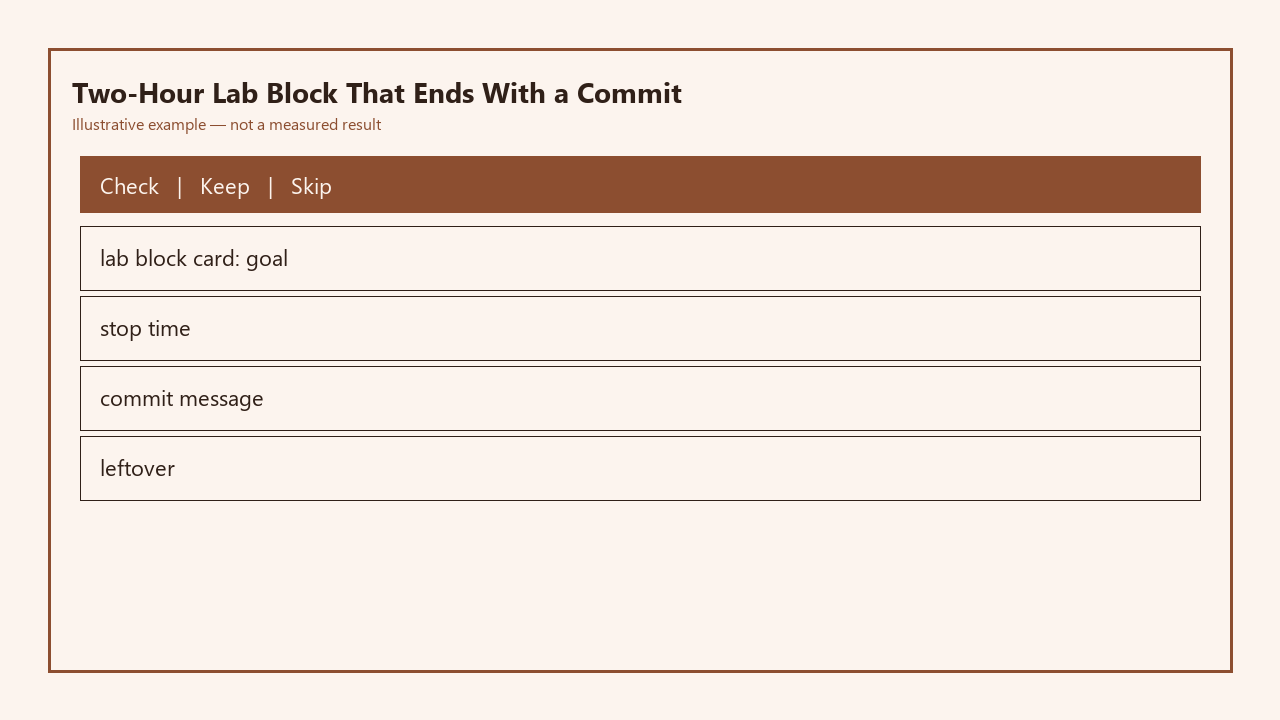
Every session uses a standard lab block card to track four core pieces of information, no extra notes required:
| Lab Block Card Field | What it tracks | Sample completed entry |
|---|---|---|
| Goal (set pre-session) | Specific, testable task you intend to finish in <90 minutes | Add password visibility toggle to login form, test on desktop and mobile viewports |
| Stop time (set pre-session) | Hard, non-extendable end time for the block, including 10 minutes of wrap-up | 8:50 PM (block runs 7:00 PM–8:50 PM, 10 minute wrap-up before 2 hour total mark) |
| Commit message (written pre-wrap-up) | Clear, specific message that states exactly what is and is not working in the commit | feat(auth): add password toggle desktop functionality, mobile click handler not working |
| Leftover line (written post-commit) | Single, specific line describing the exact next task to pick up in the next block | Debug mobile click handler for password toggle, test viewports <480px |
Goal you can finish inside two hours
The biggest mistake solo learners make when setting lab time is choosing goals that are far too broad, like “build a checkout flow” or “refactor all API routes”. Those tasks take 8+ hours of focused work, and you’ll almost always end up mid-task with no clear stopping point when your time runs out. Instead, split larger features into 90-minute achievable chunks, leaving 30 minutes of buffer for unexpected bugs, documentation checks, or small detours that come up while you work. Example measurement: A valid goal will have no more than 3 discrete sub-tasks, each taking less than 30 minutes to complete. For example, adding a password visibility toggle breaks down to 1) add the eye icon button to the input field, 2) write the click handler to toggle input type between password and text, 3) test both states on desktop and mobile. If your goal has more than 3 sub-tasks, split it further until it fits. You’ll fill out the goal field of your lab block card before you open your code editor at all, so you don’t waste the first 20 minutes of your block deciding what to work on.
Stop time you set before the first compile
The stop time is non-negotiable, no matter how close you are to finishing your goal. Most learners extend their session “just 10 more minutes” to fix a bug, and those 10 minutes turn into 2 hours of unstructured, frustrated work that leaves you burnt out. Before you run your first `npm start` or compile command, set a phone alarm for your stop time, and put your phone across the room so you can’t hit snooze without standing up. Illustrative example: If you start your block at 7 p.m., set your stop time for 8:50 p.m., giving you 10 full minutes to wrap up changes and commit before the 2-hour total block ends. If you’re in the middle of writing a function when the alarm goes off, finish the line you’re typing, add a comment noting where you left off, and stop. No exceptions. This boundary trains you to work more focused during the block, because you know you don’t have unlimited time to mess around with non-critical tweaks or unrelated side tasks that pop into your head.
Commit even if the feature is half-done
A lot of solo learners only commit code when it’s fully working and tested, which means you have dozens of uncommitted changes sitting in your working directory if you get interrupted or decide to step away. This rule breaks that habit: you will make a commit at the end of every block, no matter how incomplete the feature is. You don’t have to push this commit to your main branch — you can work exclusively on a feature branch for each task, so unfinished code never touches your production-ready codebase. The commit message has to be specific, not just a lazy “wip” that tells you nothing about the state of the code when you come back to it later. Use the structure `[type](scope): what works, what doesn’t`, so you can immediately see the state of the code without digging through files. For example, instead of “wip toggle”, write “feat(auth): desktop password toggle works, mobile click handler not triggering”. That’s clear enough that you’ll know exactly what’s working and what’s broken when you come back to the project 3 days later, even if you haven’t thought about it in the interim.
Leftover line that becomes the next block
After you make your commit, you will write exactly one line in the leftover field of your lab block card, and paste that same line as a comment at the top of the file you were working in when you stopped. This line can’t be vague: it has to state the exact, specific next step you were about to take when the stop time hit. For example, instead of “fix toggle bug”, write “debug mobile click handler for password toggle, test on viewports smaller than 480px”. This eliminates the 15 minutes of “what was I working on?” confusion that eats into the start of every unplanned lab session. You’ll use this leftover line as the starting goal for your next scheduled lab block, so you don’t have to decide what to work on next — you can jump straight into coding as soon as you open your editor. If you finished your original goal early, use the leftover line to note the next logical small task for the same feature, so you keep building momentum without scope creep.
Calendar repeat that beats a heroic Saturday
Cramming 8 hours of coding into a single Saturday once a month is far less effective than doing two 2-hour lab blocks every week, because consistent, low-stakes practice builds muscle memory and reduces burnout. You don’t have to schedule blocks every day: even 2 blocks a week adds up to 16 hours of focused work per month, without taking up your entire weekend. Illustrative example: Scheduling 7–9 p.m. blocks every Tuesday and Thursday means you put in 4 hours of work per week, and you still have your weekends free for other activities, or optional extra blocks if you feel like coding for fun. Add the recurring block to your calendar with a reminder 10 minutes before it starts, so you can close any non-coding tabs, grab a drink, and be ready to start on time. You’ll be surprised how much progress you make in 3 months of consistent small blocks, compared to occasional all-day marathons that leave you too tired to code for weeks afterward.
Before your next coding session, fill out the first two fields of the lab block card, set your stop time alarm, and commit to stopping and writing your leftover line no matter how much progress you’ve made when the alarm goes off.