
The error journal has twenty rows, and you still google the same message. You jotted the message down when you fixed it three weeks ago, but you forgot the exact command sequence that resolved the NPM peer dependency conflict, so you’re scrolling through 12 Stack Overflow tabs again instead of building the new user dashboard feature you planned for the afternoon. This waste adds up fast: a 10-minute detour here, a 15-minute search there, and you lose 2+ hours of build time a week to repeating the same fixes. Turning your existing error log into a structured flashcard deck eliminates this repeat work, by turning the mistakes you already fixed into easily retrievable memory triggers you can review in minutes a day.
Build Next Stack editors

Front of the card is the real error text
The biggest mistake people make when creating error flashcards is paraphrasing the error message to save space. If you write “NPM install error” on the front of a card, you won’t trigger the exact memory association when you see the full, unedited error string pop up in your terminal. Always copy the exact, unmodified error text directly from your console, terminal, or build log for the front of the card, including punctuation, error codes, and specific named references (like component or file names) that appear consistently when you make that mistake. Even if the error includes a random temporary file name, keep the core consistent string intact so the card matches exactly what you’ll see when you run into the issue again. No abbreviations, no summaries, no rephrasing—exact text only.
Back is the fix you already paid for once
Every error you fix costs you time: time reading documentation, time testing solutions, time scrolling through forums to find the one fix that works for your specific stack and use case. That time is a sunk cost, but you can get a return on it by writing the exact, step-by-step fix that worked for you on the back of the card, not a generic solution. Don’t just paste a link to a Stack Overflow thread—links break, and you don’t want to have to sift through 20 irrelevant answers again to find the one that worked. For example, if you fixed a CORS error by adding a specific header to your Express backend route, write the exact line of code you added, plus any pre-requisite steps (like installing the CORS middleware package) that you had to complete first. The back of the card should give you everything you need to fix the error in 30 seconds or less, no extra research required.
Source file so you can reopen the scene
Some fixes are highly context-dependent, and you may forget why a specific step was necessary if you only review the core fix steps months later. Add a source field to every card that links directly to the file where you fixed the error, plus any relevant context like line numbers, git commit hashes, or even a short note about what you were building when you ran into the issue. If you’re working locally, you can use the full file path so you can open the exact file in your editor in one click if you need to refresh your memory of the surrounding code. If you pushed the fix to a remote repo, add the commit URL so you can pull up the full diff of changes you made to resolve the error. This context takes 10 seconds to add when you create the card, and can save you minutes of confusion if you run into a variant of the same error later.
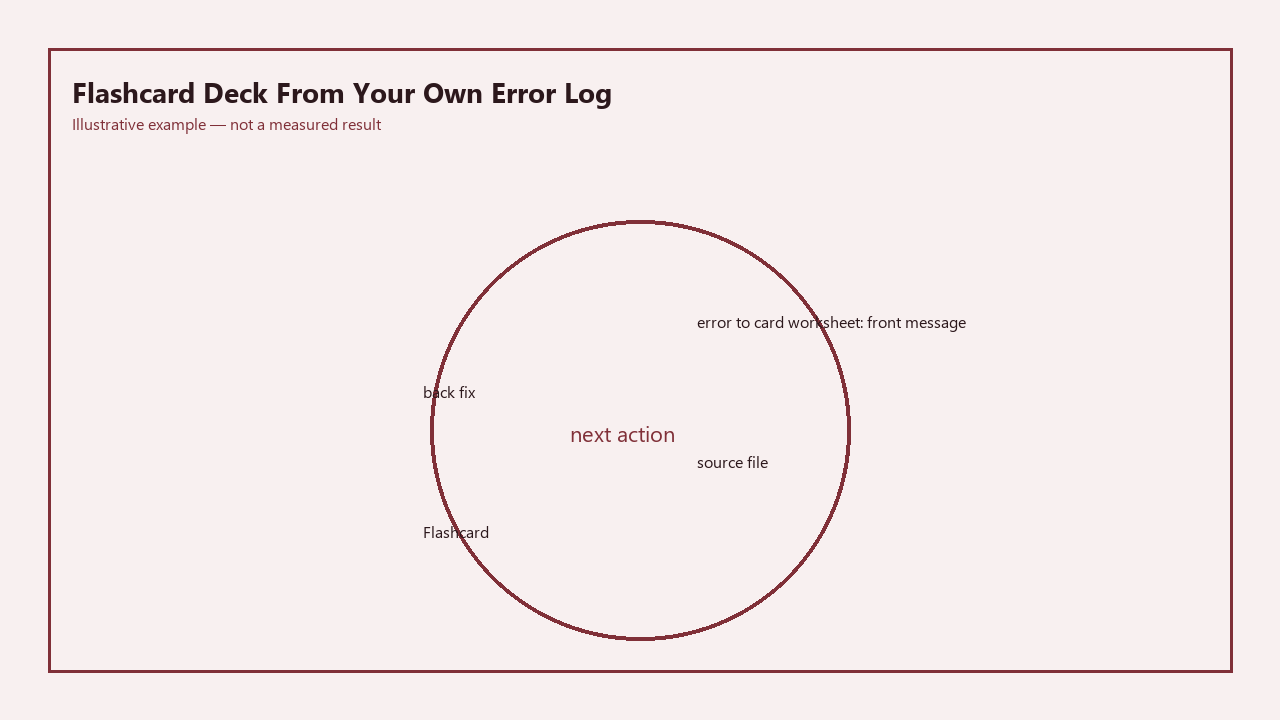
Use the pre-built error-to-card worksheet below to translate your existing error entries into flashcards in 2 minutes per entry:
| Front of Card (Exact Error Text) | Back of Card (Proven Fix Steps) | Source File/Context |
|---|---|---|
| Error: EACCES: permission denied, rename ‘/usr/local/lib/node_modules/npm’ -> ‘/usr/local/lib/node_modules/.npm-i9nnxROI’ | 1. Run `sudo chown -R $USER /usr/local/lib/node_modules` 2. Re-run the npm install -g command without sudo. Do not use sudo for global npm installs to avoid future permission conflicts. | ~/projects/ecommerce-checkout/package.json, git commit hash a7d2f91 |
| Error: Cross-env : The term ‘cross-env’ is not recognized as the name of a cmdlet, function, script file, or operable program. | 1. Run `npm install –save-dev cross-env` to add it as a dev dependency for the project. 2. If the error persists, delete node_modules and package-lock.json, then run `npm install` again. | ~/projects/portfolio-v2/package.json, line 12 (dev script) |
| POST 403 (Forbidden) /api/submit-form | 1. Verify the CSRF token is included in the request headers (add `’X-CSRF-Token’: document.querySelector(‘meta[name=”csrf-token”]’).content` to the fetch call). 2. Confirm the user has the correct permission level to submit the form in the backend route guard. | ~/projects/blog-app/public/js/form-submit.js, line 47 |
| Warning: Each child in a list should have a unique “key” prop. | 1. Add a key prop to the top-level element returned from your `.map()` call, using a unique ID from the data (not the array index, which can change if items are reordered/deleted). | ~/projects/todo-app/src/components/TodoList.js, line 22 |
| [fill in your error text here] | [fill in your exact fix steps here] | [fill in your source file/context here] |
Deck size cap so it stays a weekly stack
If you add every single minor typo or one-off error to your flashcard deck, it will quickly grow to an unmanageable size, and you’ll abandon your review routine entirely. Set a hard cap on your active flashcard deck to keep reviews short and focused on the errors that waste the most of your time. Example measurement: Cap your active deck at 25 cards total. If you hit 25 cards at the end of the week, move the 5 oldest cards that you haven’t missed in recent reviews to an archive folder before adding any new cards. Schedule 5 minutes every weekday morning to flip through the active deck before you start coding—this short, consistent review is far more effective than cramming 30 minutes of reviews once a month, and it won’t eat into your planned build time. You can use a free flashcard app like Anki to automate the review order, or just keep a simple digital note with your card entries if you prefer a no-tool setup.
Drop cards you have not missed in a month
The goal of your error flashcard deck is to fix knowledge gaps, not to maintain an ever-growing archive of every mistake you’ve ever made. Once you’ve consistently remembered the fix for an error across multiple reviews over a month, you can safely remove it from your active deck to keep your review stack small. Illustrative example: If you added the “unique key prop” error to your deck 6 weeks ago, you’ve reviewed it 8 times, and you haven’t forgotten to add a valid key to a list item in 3 weeks, you can remove it from your active stack. Keep all old cards in a separate archive folder so you don’t have to re-enter them if you make the same mistake again down the line, but don’t clutter your active review stack with fixes you’ve already committed to long-term memory. This pruning step takes 2 minutes at the end of every month, and ensures your review time is always spent on the errors you’re most likely to repeat right now.
Open your existing error journal right now, pick the 3 most frequent errors you’ve googled more than once in the last month, and add them to the worksheet table as your first flashcard deck entries.