
The demo is down, and the only notes are in a chat you closed. You can’t remember if your API server runs on Fly.io or Render, your SSH keys are stored in a folder you haven’t opened in 6 months, and the user who flagged the outage is a recruiter testing your work as part of a job screen. This runbook eliminates that panic by standardizing all critical outage response details in a single, offline-accessible Markdown file you update every time you deploy a new side project.
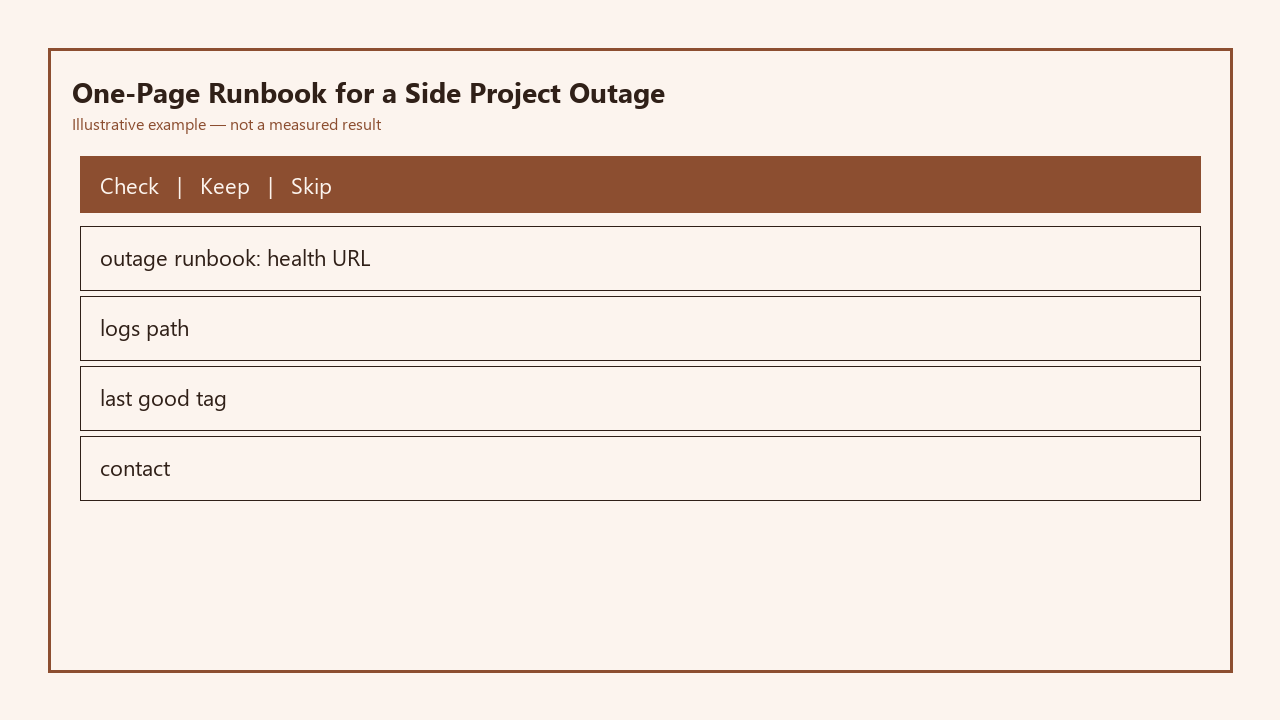
Fill out this table once per side project, save it as `side-project-runbook.md` in your local documents folder and a cloud storage drive (not just your project repo, so you can access it if your repo is corrupted or your Git host is down):

| Project Name | Health URL | Full Log Path / Live Tail Command | Last-Good Deploy Tag | Emergency Contact (if applicable) |
|---|---|---|---|---|
| Invoice SaaS MVP Demo | https://demo.invoiceapp.dev/system-health | Fly CLI: `fly logs –app invoice-saas-demo –region iad` | good-v1.2.0 | [email protected] |
| Open Source Task Tracker | https://tasktracker.opensource.yourdomain.dev/health | VPS SSH: `tail -f /var/www/tasktracker/storage/logs/worker.log /var/log/nginx/access.log` | good-v0.9.1 | [email protected] |
| Personal Portfolio Demo | https://yourdomain.dev/api/health | Vercel CLI: `vercel logs yourdomain-dev –production` | good-v3.0.3 | N/A (solo project) |
Health URL you hit before you guess
The first step of any outage response is to load the health URL listed in your runbook, no exceptions. Skip the impulse to start guessing root causes like “did I break the auth flow?” or “did the payment API go down?” before you have hard data. Your dedicated health endpoint is built to test all core services: database connection, worker queue availability, static asset serving, and 2 high-traffic API routes, and returns a 200 status code only if all checks pass. If it returns a 5xx error, the JSON payload will explicitly list which system is failing, so you don’t waste 20 minutes sifting through irrelevant code. Example measurement: For most small side projects, a full health check runs in under 200ms, so you can triage the root cause category in less than 10 seconds. If the health endpoint returns a 200, the issue is almost certainly client-side, limited to a specific user’s browser or account, or related to a third-party service not covered by your health check.
Log path and the last command that worked
Once you have the root cause category from the health check, pull logs immediately using the exact command or path listed in your runbook. You will never waste time searching through your host’s UI for log tabs, or trying to remember if your app stores logs in `/var/log` or the project’s internal `storage` folder, because the entry spells it out exactly. The runbook also includes any required context for accessing logs, like which region your app is deployed in, which SSH key you need to use to access your VPS, or if you need to connect to your home VPN first. For example, if your health check shows your worker queue is stalled, you can pull the worker logs directly instead of sifting through thousands of access log lines to find relevant errors. You can also add 2-3 common error search strings to your runbook entry for each project, like “connection refused” for database errors or “rate limit exceeded” for third-party API issues, so you can grep logs for those terms immediately to narrow down the issue.
Last-good tag you can roll to in ten minutes
If the logs confirm a recent code change caused the outage, the fastest fix for a side project is almost always rolling back to the last known good deploy tag listed in your runbook. You don’t need to debug the broken code at 11pm when a user is waiting for the demo to come back up; you can troubleshoot the root cause the next day when you’re rested. Every successful deployment gets a semantic tag prefixed with `good-` (like `good-v1.2.0`) that you never overwrite, so you always have a stable version to fall back to. The runbook entry includes the exact rollback command for your deployment platform, so you don’t have to look up platform docs mid-outage. Illustrative example: If you deploy to Render, the rollback command is `render deploy –service srv-abc123 –commit good-v1.2.0`, which takes 7 minutes to fully deploy and invalidate CDN caches for most small projects. Test this rollback process once every 3 months for each active side project to make sure there are no missing dependencies or configuration issues that would prevent a smooth rollback.
Host dashboard login you stored off-repo
If rolling back doesn’t fix the issue, or if the health check returns a 503 that says the host is unresponsive, you need to access your host’s dashboard to check for platform outages, resource limits, or suspended services. The runbook stores the direct URL to your project’s dashboard, as well as the email or username you use to log into that host, so you don’t have to guess which of your 3 email accounts you used to sign up for your host 2 years prior. You never store passwords in the runbook, but you do include the name of the password manager entry where the host credentials are saved, and the location of two-factor authentication backup codes if you lose access to your phone. For example, if your host is AWS, your runbook entry might note “Dashboard URL: https://us-east-1.console.aws.amazon.com/ecs/home?region=us-east-1#/clusters/invoice-cluster/services, Username: [email protected], 2FA backup codes stored in physical home safe, entry 7”. This saves you 10 minutes of resetting passwords and fumbling with account access when your host is experiencing an outage.
Stop-the-bleed order you follow at 11 p.m.
When you’re responding to an outage late at night, or when you’re on a tight schedule to get the demo back up for a user, you follow a strict stop-the-bleed order written in your runbook to avoid impulsive decisions that make the outage worse. The order is non-negotiable: 1) Check the health URL to triage the issue, 2) Pull logs to confirm the root cause category, 3) Roll back to the last-good tag if the issue is code-related, 4) Check the host dashboard for platform outages or resource limits, 5) If none of the above work, put up a static maintenance page that tells users when you’ll have the service back up, and stop debugging until you’re well-rested. You never try to push a hotfix late at night unless the outage is affecting paying users and rolling back didn’t work; rushed, tired fixes are far more likely to introduce new bugs that extend the outage. The runbook also stores the exact command to deploy your pre-built static maintenance page, so you can put it up in 30 seconds if needed.
Spend 10 minutes today filling out the runbook table for your 3 most active side projects, save it to your local documents folder and a cloud storage drive, and test the health URL and rollback command for each to confirm they work as expected.
Written by the Build Next Stack editors.