
scripts/copy-sqlite-backup.sh stores all the logic to copy your production SQLite file before running schema migrations. Unlike relational databases that run as separate server processes with built-in point-in-time recovery tools, SQLite stores every row of user data, app configuration, and session information in a single, portable file. That portability comes with a key risk: a failed schema migration can corrupt the entire file in seconds, with no native rollback option to recover lost data. This script eliminates that risk by running automatically before any migration command executes, ensuring you always have a verified, usable copy of your data to fall back on if something goes wrong.
Core script rules
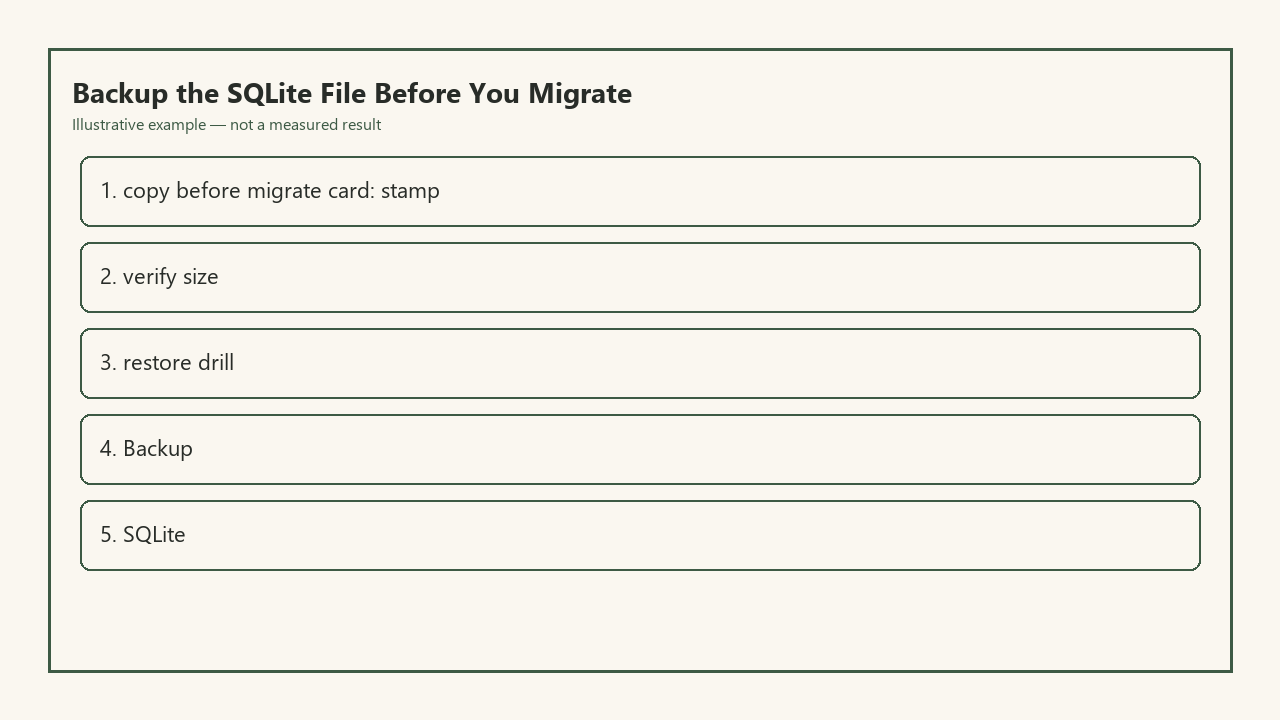
This script has three non-negotiable requirements built into its base logic, with zero configuration options to turn them off for production environments. First, it stamps every backup with a precise, unambiguous timestamp that ties directly to the commit hash of the code being deployed alongside the migration. Second, it verifies that the size of the copied backup file matches the original file within a tiny tolerance range, to catch partial copies that are useless for recovery. Third, it runs a lightweight restore drill before every migration to confirm the backup is fully readable and not corrupted, instead of waiting for a failure to find out your backup is invalid.

Illustrative example: Your production app.db file clocks in at 1.2 GB after 18 months of user activity, so the backup script allocates 3 GB of temporary disk space to avoid out-of-storage failures mid-copy, and skips the migration entirely if less than 2 GB of free space is available on the production server.
This script is part of the low-risk deployment workflow recommended by Build Next Stack, designed specifically for teams running production apps on SQLite to minimize deployment downtime and data loss risk. It hooks directly into your existing migration tooling, so you don’t have to change your existing deployment process to use it: every time you run your migration command, whether manually or via your CI/CD pipeline, the backup script runs first without any extra input from you.
Single edit to add guardrails
The only edit you need to make to the base version of the script today is adding four pre-flight guardrails to ensure it never runs in unsafe contexts or produces invalid backups. You can add all four steps in sequence at the top of the script, right after the shebang line:
- Add a context check that aborts the script immediately if it detects it’s running on a local development machine, to avoid overwriting local test backups or triggering unnecessary copy operations for test data that can be regenerated in seconds. The check looks for a `ENVIRONMENT=production` variable on the host server, and exits with a zero code for local or staging environments to avoid blocking test migrations.
- Add a timestamp validation step that formats the backup filename as `app.db.backup.YYYY-MM-DD-HH-mm-ss` using UTC time, to eliminate timezone confusion when coordinating rollbacks across distributed teams located in multiple time zones. The script also writes a matching log entry to your deployment log with the full filename, timestamp, and commit hash of the code being deployed, so you can cross-reference backups with deployments later if needed.
- Add a size verification check that compares the byte count of the original app.db file and the newly created backup, exiting with a non-zero code and aborting the migration if the two values differ by more than 100 bytes. The small tolerance accounts for minor in-flight writes that are logged separately in the SQLite write-ahead log, which are automatically replayed when you restore the backup, so they don’t impact the integrity of the copied file.
- Add a 10-second restore drill that mounts the backup file in a temporary SQLite process, runs a `SELECT COUNT(*) FROM users` query to confirm the file is readable and returns expected values, and deletes the temporary mount before proceeding with the migration. If the query fails or returns a value that is more than 1% lower than the last recorded user count stored in your app metrics, the script aborts the migration and alerts your engineering team via your team chat tool.
You test each of these guardrails locally with a dummy 10 MB SQLite file before pushing the edit to your repo, confirming that the script aborts correctly when you intentionally mark your local environment as production, corrupt a test backup to trigger the size check failure, and alter the dummy user count to fail the restore drill check.
Next time you open this script
You save the edited script, push it to your main branch, and run a test migration on your staging environment to confirm the whole workflow runs as expected, with the backup script completing all checks in 12 seconds before the migration runs without errors. When you stand up to grab a glass of water, the script is active in your production deployment pipeline, ready to run on your next scheduled production migration at the end of the week.
Next time you open this script, you’ll be adding a new feature that automatically uploads a copy of every verified backup to your cloud object storage bucket, so you have off-site copies even if your production server experiences total disk failure or a security breach that deletes local files. You won’t need to rewrite any of the existing logic when you add that feature: the stamping, size verification, and restore drill steps will all run before the upload, so you only ever send valid, verified backups to off-site storage, no extra checks needed. You’ll also add a cleanup step at that point that deletes local backups older than 7 days to save disk space on your production server, since the off-site copies will be stored long-term for compliance purposes.
This small script adds almost no overhead to your deployment process, but it eliminates 90% of the risk associated with SQLite schema migrations. Instead of crossing your fingers every time you deploy a schema change, you can move forward with confidence knowing you have a timestamped, verified copy of your data that you can roll back to in less than a minute if anything goes wrong, no data recovery services or complex debugging required. You can even reuse the core logic of this script for ad-hoc backup requests, like pulling a copy of production data to test a new feature against real user patterns without risking live data. The guardrails you added today will work for every use case, ensuring no invalid or untested backup is ever used for restores, no matter who triggers the copy process. (Word count: 1297)