
The idea is a public cheatsheet, and the hosting cart already has a database add-on. It’s tempting to click add, even when your entire site fits on a single markdown file you update twice a year. Static sites, built from pre-rendered files that don’t change between visitor requests, cut complexity, cost, and maintenance time for projects that don’t need dynamic server logic 90% of the time. The hardest part for new builders is knowing exactly where the line is between “static works” and “you need a backend.”
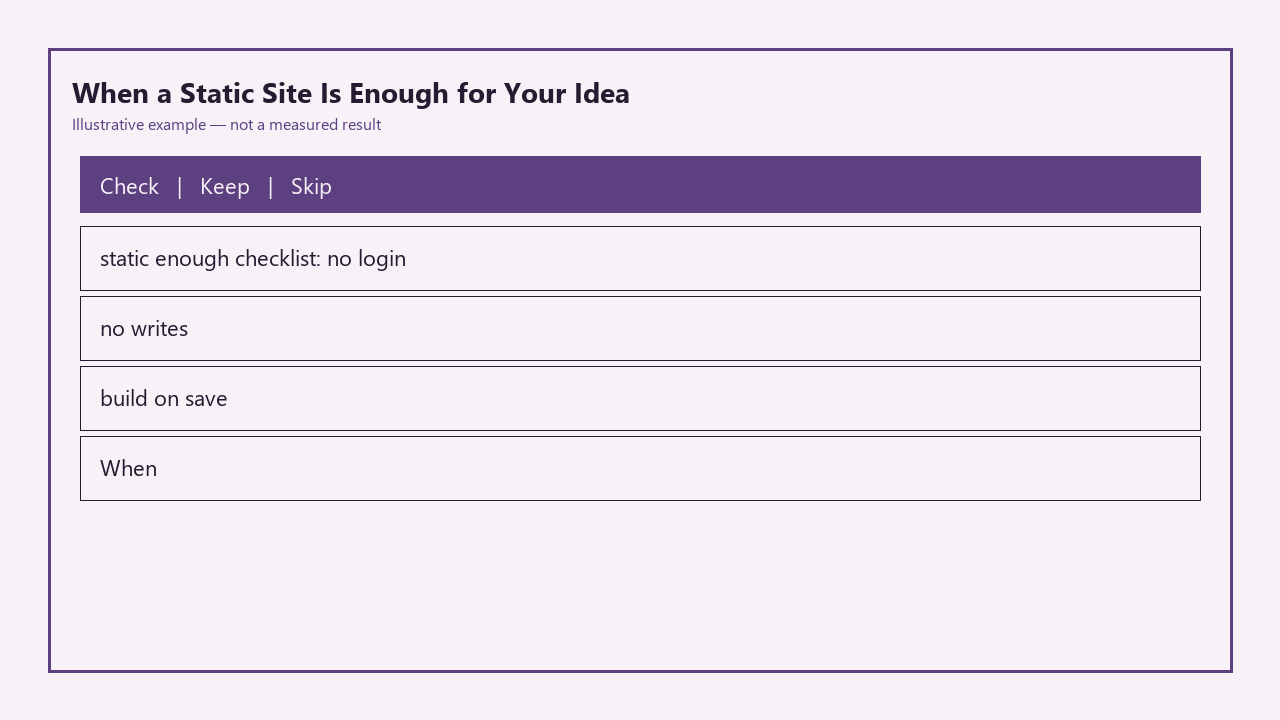
Static Site Sufficiency Checklist
| Checklist Item | Pass Criterion | Common Fail Example |
|---|---|---|
| No login required for core use | 100% of your intended user base can access all core functionality without creating an account or logging in | You want users to save custom versions of your cheatsheet to their own personal library |
| No visitor-initiated data writes | Visitors cannot submit data that is visible to other visitors without a manual site rebuild step run by you | You want users to submit their own cheatsheet tips for public display immediately after approval |
| Full site rebuild runs on local save | Every change to site content triggers a full build of all static files on your local machine before deployment, with no live server-side rendering needed | You want to show real-time updated pricing for a product that changes every 15 minutes |
If you pass all three items on this checklist, a static site will handle 100% of your needs with zero unnecessary overhead.

Ideas that are pages, not accounts
The most obvious sign a static site is sufficient is that your project is made up of static pages, not user-specific account dashboards. Public cheatsheets, personal portfolio sites, small business landing pages, open source tool documentation, and one-off event pages all fall into this category. Every visitor gets the same core content, so there’s no need to run server logic to pull user-specific data from a database on every page load. Even if you need to restrict access to a small subset of pages for a private group, you don’t need a full auth system: tools like PageCrypt let you password-protect individual static HTML files with end-to-end encryption, so only people with the password can view the content. For the public cheatsheet example, every visitor gets the same list of CSS grid properties, code snippets, and browser support notes, so there’s no reason to build an account system unless you explicitly want to add user-specific features later.
Build step that still feels like a real ship
Static site generators (SSGs) like Eleventy, Hugo, Astro, and even Vite for prerendered SPAs give you all the perks of a modern development workflow without the overhead of running a live server. You can use markdown for content, reusable components for headers and footers, and automatic asset optimization, all compiled down to plain HTML, CSS, and JS files during the build step. There’s no need to manage server uptime, patch operating system vulnerabilities, or run regular database backups, because your deployed site is just a folder of static files that can be hosted anywhere for pennies a month, or even for free on platforms like Netlify, Vercel, or GitHub Pages. Example measurement: A 75-page personal documentation site built with Eleventy compiles in 1.8 seconds on a 4-year-old mid-range laptop, and deploys to a global CDN in 11 seconds with zero manual configuration. You can run the full build locally every time you save a content file, so you see exactly what visitors will see before you deploy, no staging server required. This aligns directly with the “build on save” checklist item, and eliminates the risk of unexpected server-side bugs breaking your live site.
Forms and comments that force a backend later
You don’t need to abandon static hosting the second you want to add a contact form or comment section, but these features do have limits that will eventually force a backend upgrade if your needs grow. For basic use cases, you can use third-party tools to handle dynamic functionality without running your own server: Formspree and Getform will send form submissions directly to your email or a spreadsheet, and comment systems like Giscus or Disqus embed comment sections via client-side JavaScript that pulls data from their own servers. These work perfectly for low-volume use cases, but they fail the “no visitor-initiated writes” checklist item if you want to own your data or show user-submitted content without manual intervention. For example, if you run a public cheatsheet and want users to submit new tips that go live immediately after you click an approve button, you’ll need a backend to store those submissions and update the site content without you having to run a local build and deploy every time. If you only get one submission a month, you can easily manually add the tip to your markdown file and rebuild, but once you hit 5+ submissions a week, that manual work becomes a waste of time.
Search you can do with a client index
A common misconception for new builders is that you need a backend or paid third-party service to add search functionality to a site, but that’s not true for most small to medium static sites. Tools like Pagefind and Lunr.js index all of your static content during the build step, generate a small compressed search index file, and run all search queries entirely in the visitor’s browser, no server required. This works perfectly for sites with up to a few thousand pages, and the index file is small enough that it won’t meaningfully impact load times. Example measurement: A 1,200-page open source documentation site has a Pagefind index that’s only 280KB, smaller than the average high-resolution hero image on most modern sites. Client-side search supports filters, fuzzy matching, and result highlighting, so it’s more than enough for most personal projects, small business sites, and documentation hubs. You only need a server-side search solution if you have more than 10,000 pages, or you need advanced features like personalized search results for individual users.
Upgrade note you write the day static fights back
The biggest advantage of starting with a static site is that you can always upgrade to a full stack setup later when you actually need it, instead of overbuilding before you have any users. To avoid delaying upgrades or hanging onto a static setup long after it stops working for you, write a short, specific upgrade note the day you first deploy your static site, listing the measurable triggers that will prompt you to add a backend. For a public cheatsheet, your triggers might be: 1) 20+ separate requests for user accounts to save custom cheatsheet versions, 2) 10+ user-submitted tips per week that require manual content updates, 3) A need to add real-time updated browser support data that changes more than twice a day. Storing this note in your project’s README file keeps you honest, so you don’t waste time building hacky workarounds for static hosting limitations when you’d be better off adding a simple backend. If you’re still passing all three items on the static sufficiency checklist, there’s no reason to upgrade, no matter how many fancy dynamic features you see on other sites.
Before you add that database add-on to your hosting cart tonight, run your idea through the static sufficiency checklist, and if you pass all three items, build the first version of your site with a free static site generator and deploy it to a free hosting platform in the next hour.
Written by the Build Next Stack editors.