
The app runs, and a mistyped field name only shows up after a click. That error took 12 minutes to trace, because the console only threw an undefined reference three layers deep in a form submission handler. You’ve fixed 10 of these in the last two months, and you’re wondering if TypeScript is worth the setup headache when your JavaScript code already works for your small user base. You don’t need to rewrite your entire codebase overnight to get the benefits of type checking, and you can roll it out incrementally without breaking existing working features.
Bugs types would have caught last week
Every runtime bug you fix that stems from mismatched data types is a bug TypeScript would have flagged before you ever hit save in your editor. The mistyped `user.firstName` field you typed as `user.fristName` last week? TypeScript would have underlined it in red immediately, no click required, no user-facing error. The function that calculates order totals, which received a string from a form input instead of a number, leading to `15 + “10” = “1510”` instead of 25? TypeScript would have enforced that the input is converted to a number before it ever reaches the calculation logic. The missing `profile_photo_url` field that only shows up when a new user signs up without uploading a photo? TypeScript would have required you to handle the undefined case explicitly, either by adding a fallback image or prompting the user to upload a photo. None of these fixes require rewriting your entire app, and they eliminate the most common class of bugs that eat up your debugging time every week.

One-folder conversion that does not freeze the repo
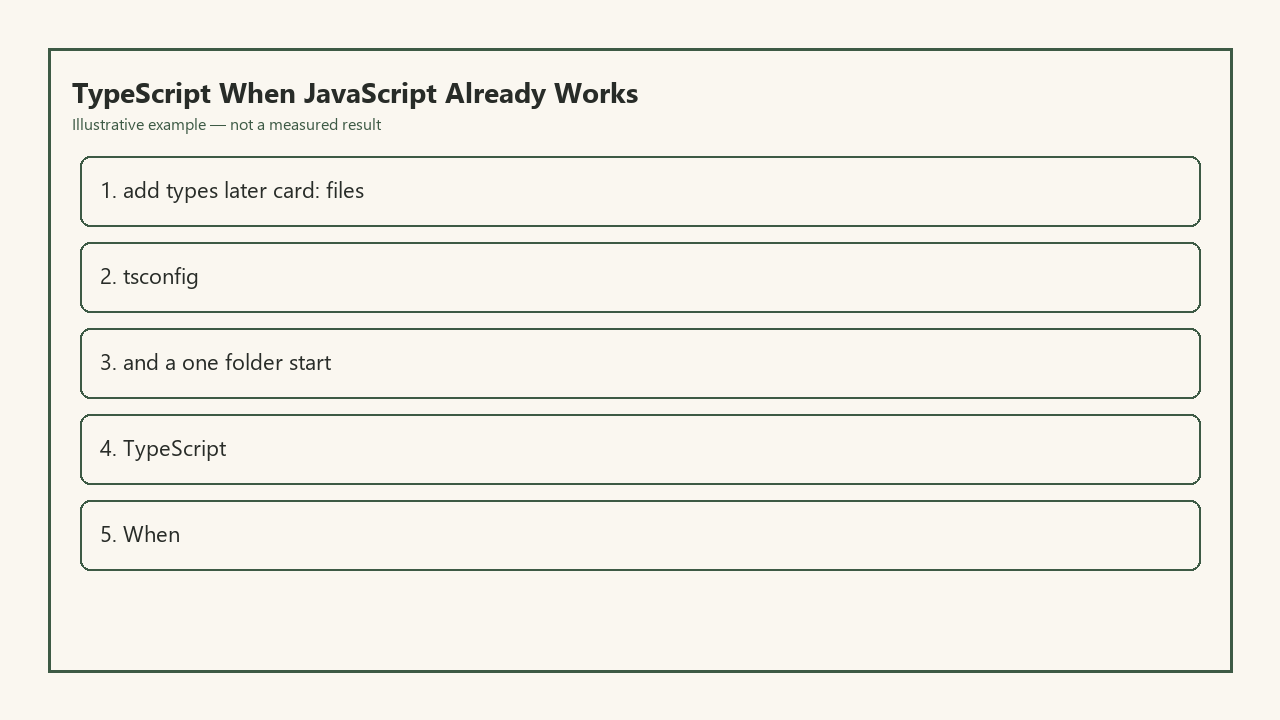
You don’t need to convert every file in your repo to TypeScript in one go. The Add-Types Later Card below outlines a low-friction, one-folder setup that leaves all your existing JavaScript code running exactly as it did before, with no production downtime or full repo freeze required.
| Step | Item | Action | Notes |
|---|---|---|---|
| 1 | TS Dependencies | Run `npm install typescript @tsconfig/strictest –save-dev` (swap `@tsconfig/strictest` for `@tsconfig/browser` or `@tsconfig/node-lts` depending on your environment) | No changes to existing code required at this step |
| 2 | Root tsconfig.json | Create a root config with `allowJs: true`, `strict: false`, `outDir: “./dist”`, and `exclude: [“./node_modules”]` | This lets your existing JS files compile alongside new TS files with zero errors |
| 3 | Target Folder Config | Pick the one feature folder you edit most often (e.g. `src/features/checkout`) and add a secondary tsconfig.json in that folder that extends the root config, sets `strict: true`, and only includes files in that folder | Type checking only applies to this folder, so the rest of your repo remains untouched |
| 4 | Incremental Renaming | Rename one file in the target folder from `.js` to `.ts` (or `.jsx` to `.tsx` for React code) at a time, adding `// @ts-nocheck` to the top of the file if you don’t want to fix type errors immediately | You can remove the `@ts-nocheck` comment and add types gradually as you edit the file for bug fixes or new features |
Example measurement: This full setup takes 15 minutes to complete for a standard 500-file JS repo, with no changes to production build output or existing working code.
Config arguments that stall a working JS app
Most teams that abandon TypeScript before seeing benefits get stuck on over-restrictive config settings they turn on before their codebase is ready. The most common config mistake is enabling `strict: true` at the root level for a full JS repo, which can throw hundreds of implicit any errors across every file, even code you haven’t edited in months. Another common misstep is setting your compile target to `ESNext` when 10% of your user base runs browsers that are 2+ years old, leading to runtime syntax errors that break your app for a segment of users. Forgetting to set `allowJs: true` in your root config will also cause build failures, as TypeScript will ignore all your existing JS files during compilation. You can avoid all these stalls by starting with the most permissive root config possible, only tightening rules for the specific feature folders you are actively converting, and adjusting your compile target to match your actual user browser support data, not trending blog post recommendations.
Library types you skip until the next feature
You don’t need to install type definitions for every third-party library in your dependency list on day one. If you use a legacy date picker library you haven’t edited in 6 months, you don’t need to spend 30 minutes tracking down matching `@types/` packages or writing custom type definitions for it right now. Instead, add a single line to a `declarations.d.ts` file in your root folder: `declare module “legacy-date-picker”;` which will type the entire library as `any` temporarily, eliminating missing module errors without any extra work. Only when you are actively updating that library (for example, adding dark mode support for the date picker in your next feature sprint) do you need to install the associated type definitions or write custom types for the parts of the library you use. This saves you hours of unnecessary work on code that is already running reliably in production.
Keep-JS path if the project is a 200-line script
TypeScript is not the right fit for every JavaScript project, and you don’t need to use it for every codebase you work on. If your project is a 200-line or smaller utility script that only you use, like a script that scrapes your personal blog to generate a sitemap once a month, the time you spend converting it to TypeScript will likely outweigh the time you spend fixing bugs in it over its entire lifecycle. Example measurement: A 200-line personal JS script that you run 12 times a year has an average bug rate of 1 per 6 months, taking 10 minutes to fix, leading to 20 minutes of total annual debug time, versus 45 minutes of time to convert it to TypeScript and maintain types as you make small changes. You also don’t need to use TypeScript for throwaway prototype code that you plan to delete within 72 hours, or for small one-off scripts you build for a single specific task that you will never run again.
Open your project repo right now, pick the feature folder you edit most frequently, and run the 15-minute one-folder TypeScript setup from the Add-Types Later Card, with no required changes to the rest of your working production code.