
The mockup is a phone frame, but the feature is a list with a search box. You’ve mapped user flows, picked a color palette, and narrowed your core functionality to three non-negotiable tools for your minimum viable product (MVP). Now the only big unmade choice is whether to build this as a downloadable native mobile app or a mobile-optimized web app that loads directly in a browser. Many new builders default to the app store path without weighing the tradeoffs for their first small launch, leading to avoidable delays and wasted work.
Camera, push, and store rules you may not need
Native mobile apps have unrestricted access to every piece of hardware on a user’s phone, from the ultra-wide camera and real-time GPS to motion sensors, contact lists, and push notification systems. This access comes with a long list of compliance rules you have to follow to get listed on the Apple App Store or Google Play Store, even for free, non-commercial projects. For example, if you add push notifications to your native app, you have to disclose exactly how user data is collected, stored, and used in a public privacy policy, and give users a one-tap way to opt out of all alerts. If you integrate camera access to let users upload profile photos, you have to explicitly explain why you need that access in your app listing, and you can’t use that access to collect data in the background without explicit user consent. Most first builds don’t actually need any of these hardware-dependent features to test their core value. If your MVP is a study timer, a local restaurant guide, or a shared task list for your friend group, you can deliver 100% of your intended functionality without accessing any device sensors or sending push notifications, making the extra compliance work of a native app unnecessary.
Browser path that still looks fine on a phone
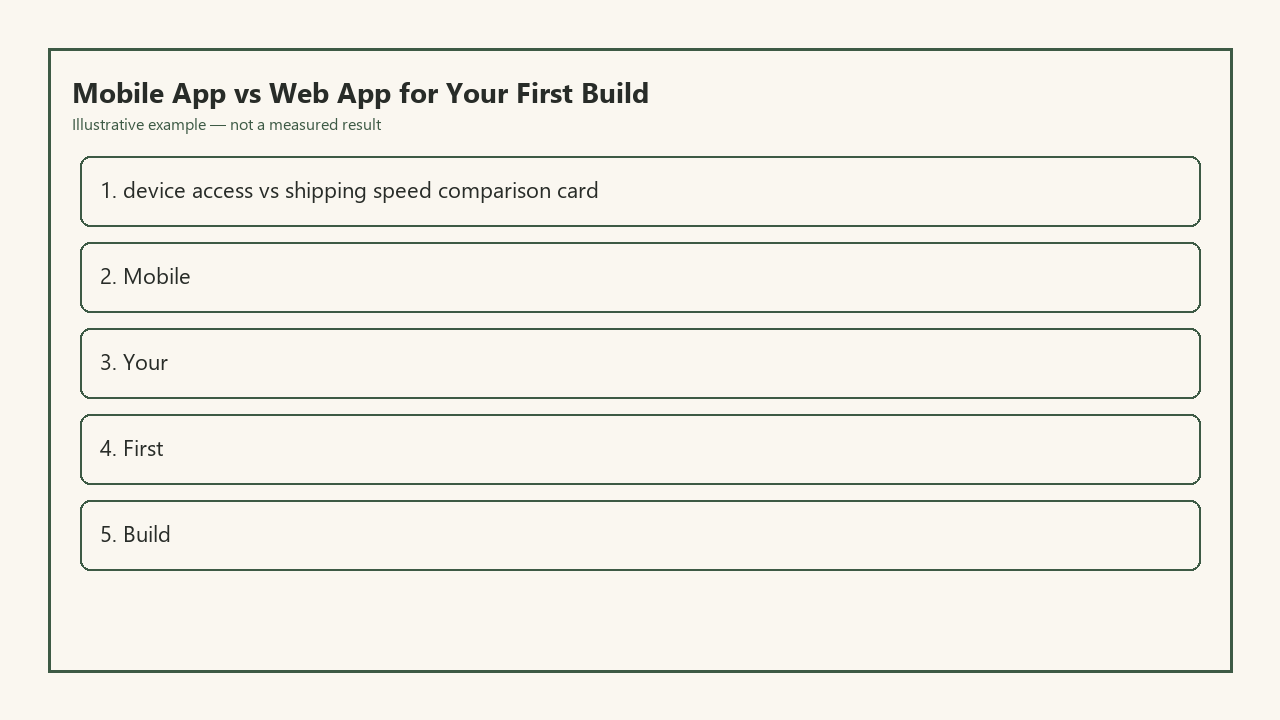
Modern web development tools make it trivial to build a web app that looks and feels identical to a native mobile app when opened on a phone’s browser. Responsive design frameworks automatically adjust layout, button size, and text spacing to fit any screen size, and progressive web app (PWA) tools let users add your web app to their home screen with a single tap, so it opens in full-screen mode just like a downloaded native app. Web apps can access limited core hardware features for common use cases, including camera access for photo uploads, GPS for location-based results, and haptic feedback for button presses, all without requiring special app store approval. To help you weigh the core tradeoffs at a glance, use this device-access vs shipping-speed comparison card:
| Category | Native Mobile App | Mobile-Optimized Web App |
|---|---|---|
| Core hardware access | Full, unrestricted access to all device sensors, Bluetooth, contact lists, and background processing | Limited access to common features (camera, GPS, haptics) with no background processing or contact list access |
| Shipping time to first user | Example measurement: 10–20 days of build time + 2–14 days of app store review | Example measurement: 3–10 days of build time + 5 minutes to deploy to a low-cost hosting provider |
| Approval requirements | Mandatory review for initial launch and every subsequent update, with potential rejection for minor rule violations | No approval process required, you control all launch timelines |
| Update rollout speed | Example measurement: 2–7 days for approved updates to reach 100% of users | Updates go live to all users immediately after deployment |
| User friction to first test | User must search for your app in an app store, wait for download, and grant access permissions before using | User taps a single link to open the app instantly, no download required |
| Minimum required maintenance | Regular updates to comply with changing app store rules and new operating system versions | Only update when you want to add features or fix bugs, no mandatory platform compliance work |
For most first builds, the web app path removes almost all unnecessary friction between you and getting real user feedback on your idea. You don’t have to learn separate native development languages for iOS and Android, either: you can build a single web app that works perfectly on every mobile and desktop device with one codebase.
App-store wait that eats a two-week learning block
One of the biggest unspoken costs of building a native app for your first project is the lost momentum that comes with app store review waits. As a new builder, your biggest advantage is speed: you can iterate on your idea every day, fix bugs as soon as you find them, and adjust features based on user feedback within hours. App store review processes break that cycle completely. Example measurement: A typical first app submission takes 7–10 days to review, and many first-time submissions are rejected for minor issues like missing a privacy policy link, unclear feature descriptions, or minor UI glitches that don’t impact core functionality. A single rejection can add another 3–7 days to your launch timeline, as you fix the issue and resubmit for a new review. Even after you launch, every bug fix or feature update has to go through the same review process, so you can’t push a quick fix for a broken search function the same day you discover it. For new builders who are learning as they build, these multi-week waits can kill motivation, and make it hard to retain the small group of initial testers you recruited to try your product.
Hardware cases that force a native toolkit
There are narrow, specific use cases where a native mobile app is the only viable option for your project, even as a first build. These cases all involve core product functionality that relies on hardware access or processing power that web APIs can’t currently provide. For example, if your product is a sleep tracker that uses the phone’s accelerometer and ambient microphone to detect snoring and sleep cycles, you need low-level background access to those sensors that web apps don’t support. If you’re building a fitness app that syncs real-time workout data with Bluetooth heart rate monitors or smart watches, you need native Bluetooth access that isn’t available for web apps. If you’re building a mobile video editor that applies real-time filters to 4K footage, you need access to the device’s GPU processing power that web apps can’t leverage without significant performance lag. These are all cases where the core value of your product is tied directly to hardware access, so you can’t deliver a usable MVP with a web app.
First-build default unless a sensor is the product
For all other first builds, a mobile-optimized web app is the default choice that will save you time, reduce friction, and help you validate your idea faster. You don’t have to compromise on user experience: most users won’t be able to tell the difference between a well-built PWA and a native app when they’re using it on their phone. You also keep all the flexibility to build a native app later, once you’ve validated that users want your product, and you have a clear list of features that require native hardware access. Building a web app first lets you test your core idea with real users in a fraction of the time, without wasting weeks learning native development tools and navigating app store rules for a product that hasn’t been proven to work. You can even collect feedback from users about what native features they want most, so when you do build a native app, you’re only building features that people have explicitly asked for, instead of guessing what users might want.
Pull up your MVP feature list right now and mark every feature that requires access to device hardware not listed as supported for web apps in the comparison table. If you have zero marked features, set up your web app hosting account and start building your first page today.