
The red traceback looks familiar, and last week’s solution is gone with the closed tabs. You scroll through 12 months of browser history, cross-reference three Discord servers, and waste 45 minutes retracing steps you already took once, just to remember you fixed the same dependency conflict after updating Node last month. This pattern is entirely avoidable with a structured error journal you update the second you hit a roadblock, no fancy tools required.
Build Next Stack editors

Row you fill before searching the tenth tab
The core of your error journal is a simple 5-column table you update in two phases: first, fill the first three columns the second you hit an error, before you start deep searching for solutions. This locks in context that you will forget after 20 minutes of clicking through Stack Overflow threads and GitHub issues. You can store this journal in a plain markdown file in your home directory, a free notes app, or a dedicated tab in your project’s repo, so it is accessible across all your devices. The full table structure you can copy and use for every error is below:
| Exact Command | Error Message Snippet | Initial Guess | Confirmed Fix | Time To Green (minutes) |
|---|---|---|---|---|
| `npm run dev` | `Error: error:0308010C:digital envelope routines::unsupported` | I broke the package.json scripts when merging the feature PR | Add `NODE_OPTIONS=–openssl-legacy-provider` to the start of the dev script in package.json for Node 18+ compatibility | 22 |
| `git push origin main` | `remote: Permission to username/repo.git denied to otherusername` | My SSH key expired and needs to be re-added to GitHub | Switch the local repo git config user.email to the address tied to the repo’s granted access permissions | 8 |
| `python app.py` | `ModuleNotFoundError: No module named ‘flask’` | I forgot to install the project dependencies | Activate the project’s virtual environment before running the app, as Flask is installed locally to the venv not globally | 14 |
| `docker-compose up` | `Bind for 0.0.0.0:3000 failed: port is already allocated` | My Docker container is still running in the background | Kill the process running on port 3000 with `npx kill-port 3000` before re-running docker-compose up | 6 |
Filling the first three columns before you search also forces you to slow down and avoid the common learner trap of copying random code snippets from the internet without understanding what they do. If you can clearly state the command you ran, the error you got, and your best guess at the cause, you are already 30% closer to solving the problem without external help.
Exact command that produced the message
The first column of your journal requires the exact, full command you ran when the error occurred, not a vague description like “I ran the start command”. Even small differences between commands can change the root cause of an error: running `pnpm run dev` instead of `npm run dev` can trigger completely different dependency conflicts, and running a command from a subdirectory instead of the repo root can cause file path errors that are hard to trace if you don’t note your working directory.
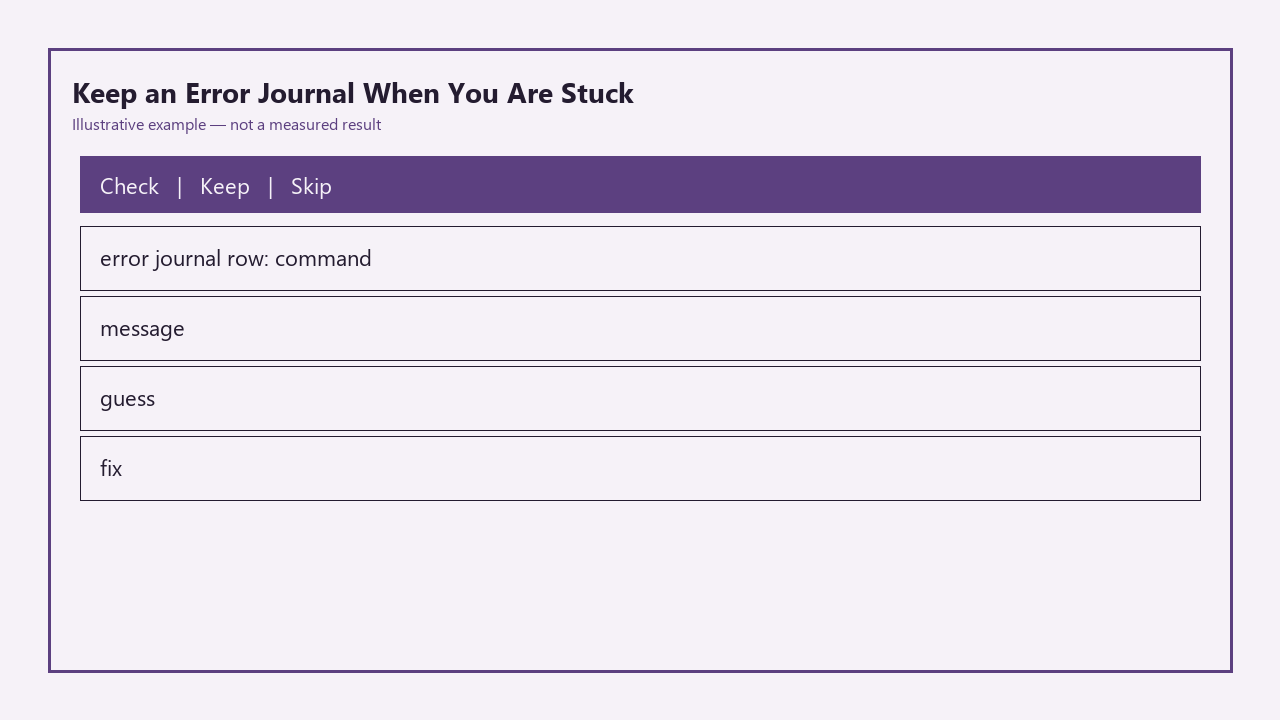
Example measurement: 20 seconds of copying the exact command from your terminal history and adding a 3-word note about your working directory (e.g., “ran from frontend/ folder”) can save you 30 minutes of re-testing different command variations when the same error pops up in a different project. You should also note any context that affects command execution, like if you ran the command in WSL, a virtual environment, or a remote server, as these factors often change which fixes will work.
Guess you write even when it is wrong
Writing your initial guess at the root cause before you search for solutions has two major benefits, even if your guess is completely incorrect. First, it forces you to engage with the problem actively instead of jumping straight to copy-pasting solutions, which builds your long-term problem-solving muscle faster than passive searching. Second, it lets you rule out incorrect hypotheses immediately the next time you see the same error, so you don’t waste time testing the same wrong fix twice.
For example, if you guess that a `ModuleNotFoundError` is caused by a missing dependency, but later find the real cause is an unactivated virtual environment, you can add a small note next to your guess marking it as incorrect. The next time you see that same error, you will know to check for an activated virtual environment first, before you run a new install command that could bloat your dependency tree. Illustrative example: writing your initial guess takes 10 seconds, but can cut your future debug time for the same error by 70% by eliminating paths you already know don’t work.
Fix you record in one line after it works
Once you find a fix that resolves the error, you fill the final two columns of the journal entry immediately, before you move on to the next part of your project. The fix must be written as a single, actionable line that you can execute without re-searching for context: vague notes like “fixed the Node error” are useless when you revisit the entry 3 months later.
If your fix requires multiple steps, you can add a numbered list below the one-line summary for context, but the core fix should be scannable at a glance. For example, instead of writing “fixed git auth”, write “Update local repo git config user.email to match the address associated with the repo’s GitHub access permissions”. You can also add a link to the Stack Overflow thread or docs page that helped you find the fix as an optional extra, but the one-line fix should be complete enough to use on its own if the link breaks later. The final column, time to green, is simply the total number of minutes you spent debugging the error from start to finish, which helps you prioritize which errors to add guardrails for in future projects.
Reuse pass when the same error returns
The biggest value of your error journal comes when you encounter the same error a second, third, or tenth time: you get a full reuse pass on all the debug work you did the first time. Instead of starting from scratch, you can search your journal for the error snippet, pull up the confirmed fix, and apply it in minutes instead of the hours you might spend searching generic results that are not tailored to your specific stack and workflow.
Over time, your journal becomes a personal knowledge base built exclusively for the tools and languages you use most often, so it is far more useful than generic search results that cover hundreds of edge cases irrelevant to your work. For example, if you build mostly React and Node projects, 80% of the errors you hit will be related to dependency versions, git auth, port conflicts, or environment variable misconfigurations, all of which you will have pre-written fixes for in your journal after a few months of consistent use.
Before you debug your next stuck project, open a new plain text file or notes app entry, copy the error journal table structure, fill the first three columns for the error you’re facing, and only start searching for solutions after that entry is saved.