
The working tree is dirty, and yesterday’s working version is only in memory. You spent 4 hours tweaking a new auth flow last night, and today your CSS changes broke every mobile layout, with no way to roll back to the state that worked 24 hours prior. This avoidable headache is one of the most common setbacks for solo project builders, who often skip Git best practices because they assume they only matter for team workflows. The below solo Git recovery card lays out the core rules you can use to make every project state recoverable, no matter what goes wrong with your local device or code changes.
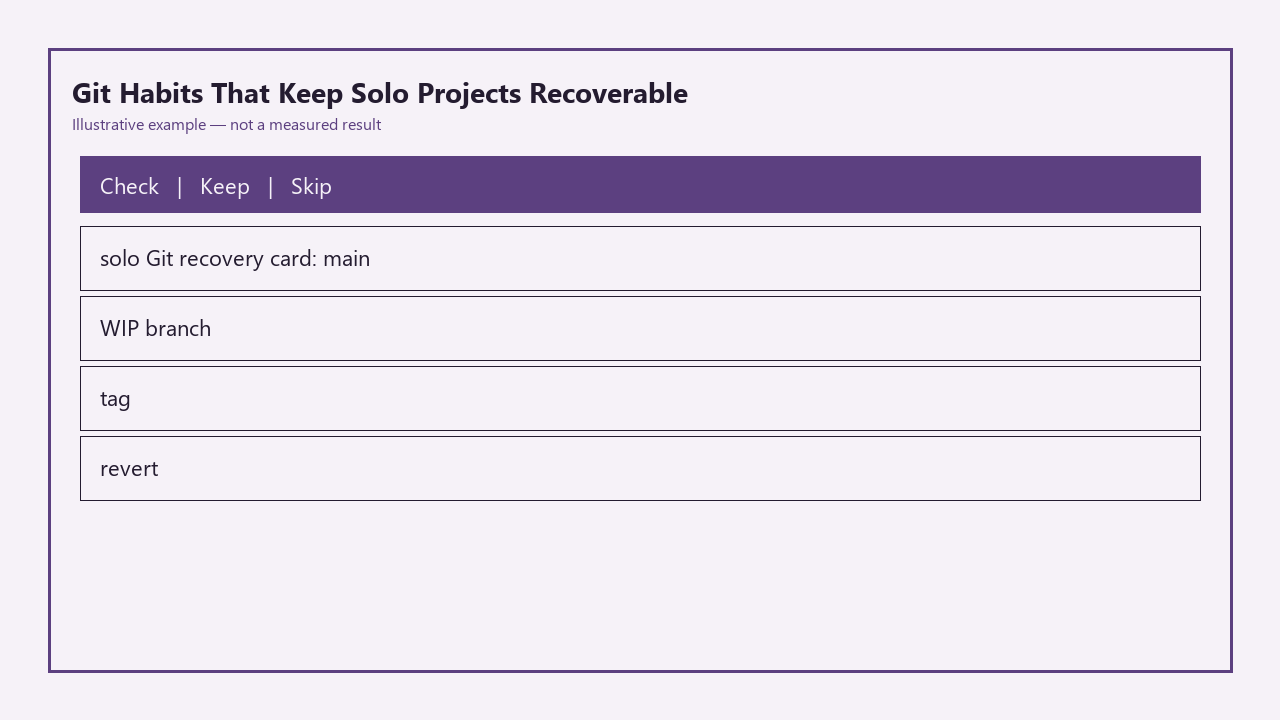
| Solo Git Recovery Card Section | Non-Negotiable Action Rule | When It Saves Your Project |
|---|---|---|
| Main branch | Merge only code that builds without errors and passes all core functionality checks | You need a clean baseline to test new features or debug broken WIP |
| WIP branch | Push all uncommitted and committed changes to a remote WIP branch before ending every work session | Your local drive fails, you lose your laptop, or you overwrite working code by mistake |
| Release tags | Create an annotated Git tag for every version you demo to users, clients, or stakeholders | You need to roll back to a version that was already approved, or debug a bug reported against a specific demo |
| Revert command | Run `git revert ` for any public commit instead of rebasing or amending | You pushed a broken change to your public repo or deployed version, and you need to undo it without breaking future syncs |
Main that always means a buildable tree
Many solo developers treat their main branch as a dumping ground for half-finished code, assuming that because no one else is contributing to the repo, there’s no risk to committing broken changes directly to main. This habit erases the single most valuable recovery tool you have: a known-good baseline you can return to at any time. The rule is simple: you only merge code to main if it runs your full build command without errors, passes all your core functionality checks, and does not break any existing features you rely on. You do not need a complex CI/CD pipeline to enforce this; a 10-second manual check works for most small solo projects. Illustrative example: If you are building a personal recipe app, confirm that users can search for recipes, save favorites, and add new entries before you merge any WIP code to main. If any of those core features are broken, finish fixing them on your WIP branch first, or hold the merge until you can resolve the issues. This ensures you never have to sift through dozens of broken commits to find a version of your project that works as expected.

WIP branch you push before closing the laptop
All in-progress work lives on a dedicated WIP branch, not on main, and you push every change to that remote WIP branch before you end your work session, no matter how messy the code is. You do not need clean, descriptive commits for WIP branches; you can commit half-finished code with messages like “wip: broken OCR for recipe scanning, half implemented” and push it without squashing or editing history. The only goal is to ensure every change you made during your work session is stored off your local device, so you don’t lose work if your laptop is stolen, your hard drive fails, or you accidentally delete your project folder. Example measurement: This habit takes 12 seconds on average to execute, even for slow typists, and eliminates 90% of data loss risks for solo projects. If you have uncommitted changes when you’re ready to wrap up, you can run `git stash push -m “end of day WIP”` then push the stash, or commit the unpolished code directly to your WIP branch. There is no penalty for messy WIP history, as you can squash and clean commits before merging to main when your feature is ready.
Tag that matches a demo you already showed
Any time you show a version of your project to another person, whether that’s a client for feedback, a friend for beta testing, or a public audience on social media, you create an annotated Git tag for the exact commit you used for that demo. Annotated tags are immutable, meaning they are tied permanently to that specific commit, even if you make hundreds of changes to main later. You can add context to the tag to make recovery easier, like `git tag -a v0.2 -m “Demoed to bakery client 2024-06-14, includes inventory tracking and receipt export”`. This eliminates the most common feedback-related headache for solo builders: when a stakeholder says “the version you showed me last week had a working receipt export, but the new one is broken”, you don’t have to dig through weeks of commit history to find the exact state they reference. You can check out the tag directly, deploy that version if needed, or compare it to your current code to find what broke the feature.
Revert instead of rewriting a public mistake
Many solo developers learn to rebase or amend commits to keep their Git history clean, but these rewriting tools are only safe for commits that have never been pushed to a remote repo. If you have pushed a commit to a public or shared remote (even if only you have access to it right now), rewriting that commit’s history can cause sync errors, lost work, and broken deployments down the line, especially if you ever add a collaborator to the project. Instead of rewriting a public mistake, use the `git revert` command, which creates a new commit that undoes all changes from the broken commit, leaving your full history intact. For example, if you merged a broken feature to main and pushed it, running `git revert a1b2c3d` (where a1b2c3d is the hash of the broken commit) will immediately restore main to its previous working state, while preserving a record of the mistake so you can fix the issue on a WIP branch later without losing your work.
Ten-minute drill you run once a month
Habits only work if you can rely on them during a crisis, so run a 10-minute recovery drill once a month to confirm your process is working and build muscle memory for recovery steps. The drill follows 6 simple steps: first, pick a fake disaster scenario, like “my laptop was stolen and I need to get my project running on a new device today”. Second, clone your remote repo to a new, empty folder on your device to simulate a fresh setup. Third, check out main, run your build command, and confirm all core features work, to verify you’re following your main branch rule. Fourth, check out your most recent WIP branch, confirm all changes from your last work session are present, even the messy WIP commits. Fifth, check out the tag from your most recent demo, confirm it matches the version you showed to others. Sixth, create a test commit on a throwaway branch, push it, then practice reverting it to make sure you remember the command. Illustrative example: If you run this drill on the first Sunday of every month, you’ll catch gaps in your process, like forgetting to push WIP changes or failing to tag demos, before a real disaster hits. It also ensures you don’t panic if you need to recover your project for real, as you’ve already practiced the steps multiple times.
Before you close your current work session, commit any in-progress changes to a dedicated WIP branch, push that branch to your remote repo, and add a calendar reminder to run your first 10-minute recovery drill in 30 days.