
The language ranking tab is still open, and the empty repo has no first file. You’ve narrowed your first build to a simple personal tool, not a hypothetical tutorial demo, and every list online swears a different language is the only “beginner-friendly” option. No amount of sorting by GitHub stars or Stack Overflow question volume is giving you a clear call, because none of those lists are tailored to what you’re actually building.
Four project signals before a language install
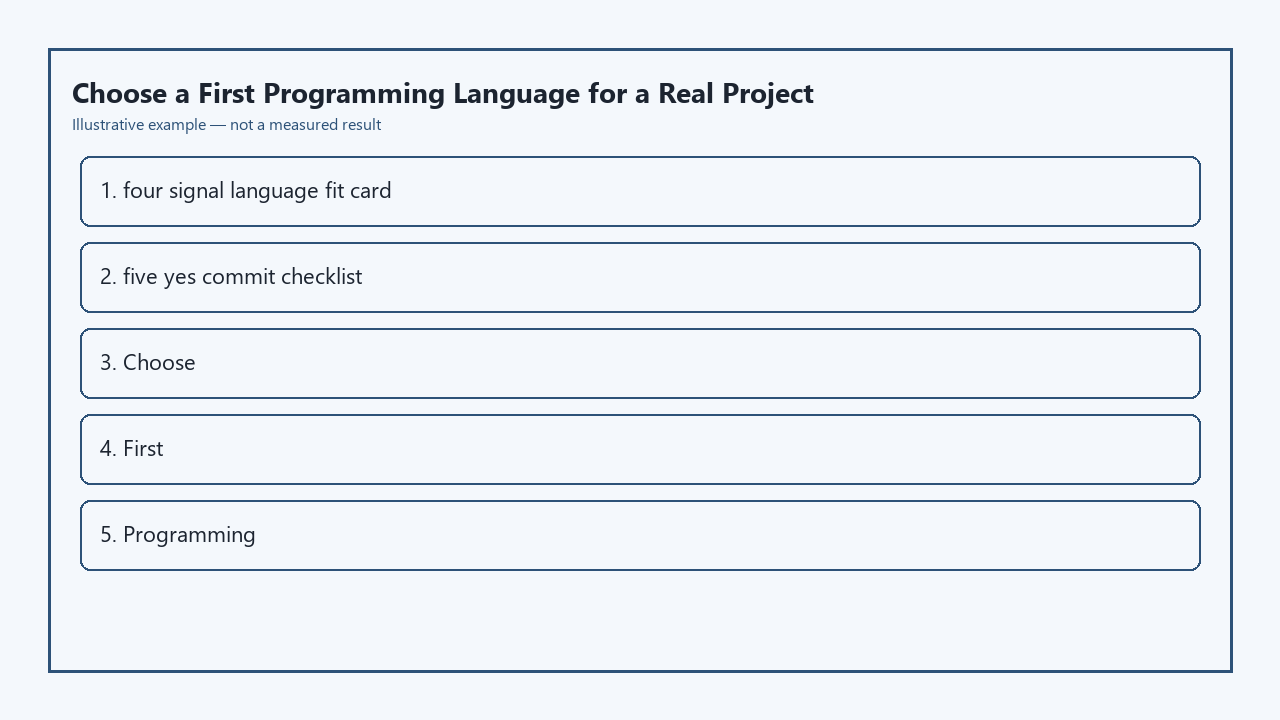
Before you download any runtime or package manager, fill out this four-signal language fit card to eliminate 90% of incompatible options immediately. You don’t need to overthink your answers, as even rough estimates will filter out languages that add unnecessary friction to your specific build.
| Signal | What to document | Fit check question |
|---|---|---|
| Core project action | The single most important task your tool performs (e.g. filter grocery lists, track workout stats, scrape recipe sites) | Can this language perform that action in 10 lines of code or less for a minimum viable version? |
| Target run location | Where you want to use the finished tool (e.g. web browser, personal laptop terminal, mobile phone) | Does this language run natively on that platform without third-party emulation or extra paid hosting? |
| Available coding time | How much time you can spend weekly on building, not troubleshooting setup | Can you get a working “hello world” version of your core action in this language in under 30 minutes? |
| Priority feature | The one feature you’re most excited to build, that made you start the project in the first place | Are there 3+ free, beginner-focused tutorials for building that exact feature in this language? |
Example measurement: 30 minutes of setup time is a hard cap for first builds, because longer setup windows lead to abandoning the project before you write any custom code. If a language requires you to install 5+ dependencies just to run a simple function, it’s not a good fit for your first real project.
Python, JavaScript, and Go as first-build tradeoffs
These three languages are the most common first picks for a reason, but they each have hard limits that make them a bad fit for certain projects. Python is the strongest choice if your core action relies on data processing, like calculating nutrition for a recipe tracker or analyzing your personal spending history. It has minimal syntax, thousands of pre-built packages for common data tasks, and requires almost no boilerplate code to get a working minimum feature. The main downside is that it does not run natively in web browsers, so you will need extra tooling to build a browser-accessible UI.
JavaScript is the only option that runs natively in web browsers and on personal servers via Node.js, making it ideal if you want to build a tool you can access from any device without installing extra software. It is also the most well-documented language for building interactive UI elements, like drag-and-drop recipe cards or form inputs for logging new meals. The main tradeoff is inconsistent syntax for complex data processing, which can lead to frustrating bugs if you’re building a tool that relies heavily on numerical calculations.
Go is the best pick if you want a self-contained desktop or CLI tool that runs fast without extra dependencies. It compiles to a single binary file you can share with friends without forcing them to install a runtime, and it has strict syntax rules that reduce unexpected bugs for larger projects. The downside for first-time builders is a steeper learning curve for error handling, which can slow down initial progress if you only have a few hours a week to code.
Popularity-chart picks that stall a real repo
Many languages at the top of annual popularity rankings are optimized for enterprise teams or specialized use cases, not first-time builders shipping small personal projects. Rust, for example, consistently ranks as the most loved language on Stack Overflow surveys, but its strict borrow checker and compile-time rules will force you to spend 10x more time fixing syntax errors than building your core feature as a new coder. It is a great language to learn later, but a terrible pick for your first real build.
C# and Kotlin are other common ranking top-10 picks that add unnecessary friction for small projects. C# requires a heavy .NET runtime and is optimized for large enterprise Windows applications, so you will spend hours configuring project settings before you can write a single line of code for a simple personal tool. Kotlin is the official language for Android development, but almost all beginner tutorials are focused on mobile app build processes, which add extra layers of complexity if you’re not building a phone app.
The key mistake new builders make is choosing a language based on future job prospects instead of their current project needs. You will learn far more transferable coding skills by shipping a working small project in a less “hireable” language than you will by abandoning 3 half-finished projects in a top-ranked language.
Recipe-tracker path from idea to first commit
To see how this framework works in practice, use it for a common first build: a personal recipe tracker that logs ingredients and generates custom grocery lists you can access from your phone browser. First, fill out the four-signal fit card: your core action is filtering ingredient lists to remove duplicates, your target run location is a web browser, you have 1 hour a week to code, and your priority feature is the auto-generated grocery list. Based on the tradeoffs above, JavaScript is the clear fit, since it runs natively in browsers and has hundreds of free tutorials for building list-filtering features.
Before you make your first commit to your empty repo, confirm you pass all five items on this five-yes commit checklist:
- ✅ You have written one working function that performs your project’s core action (in this case, a function that takes 2 sample recipe ingredient lists and returns a combined, duplicate-free grocery list)
- ✅ You have tested the priority feature you were most excited to build works locally with sample data
- ✅ You have removed all tutorial placeholder code, comments, and unused demo assets from your main code file
- ✅ You have confirmed your code runs on your target device (your phone browser, in this case) without extra unplanned setup steps
- ✅ You have added a 1-sentence note to your README describing what the code currently does, not what you plan to build later
You don’t need to add login, a database, or fancy styling for your first commit. The only goal is to ship a working version of your core feature, so you build momentum to add more features later.
Eight-week stay rule after you write the README
Once you have made your first commit and published your initial README, you cannot switch programming languages for 8 full weeks, no matter how many listicles you see saying another language is easier or more popular. This rule prevents the most common first-project failure mode: bouncing between languages every time you hit a small bug, so you spend all your time redoing setup steps instead of building usable features.
Illustrative example: If you hit a bug with JavaScript form input handling 2 weeks into building your recipe tracker, you cannot delete your repo and start over with Python. You have to troubleshoot the bug, build at least 2 more small features (like a recipe search bar or ingredient category tag), and give the language a fair shot before you consider switching. After 8 weeks, if you still find the language frustrating or poorly suited for long-term feature additions, you can rewrite your existing working tool in a new language. Porting a working tool is far easier and more educational than starting from zero for the fourth time.
Open your empty repo right now, fill out the four-signal language fit card for your specific project, confirm you pass all five checklist items before your first commit, and mark your calendar to stick with your chosen language for the next 8 weeks.
Written by the Build Next Stack editors.